2026/10/30
Worried about BIR rules for your point-of-sale? Here is what to look for in receipts and reports, and how easyPOS fits in.
Every retail or food business in the Philippines eventually asks the same question: is our point-of-sale system acceptable to the Bureau of Internal Revenue? Choosing the right POS early saves a great deal of worry later.
Why POS requirements cause worry
The BIR cares about the proof of each sale. That means a receipt given to the customer, and a record that shows what was sold, when, and for how much. Problems usually start when a business uses a tool that was never meant for this: handwritten receipts, a shared spreadsheet, or a system that cannot produce a clean report on request.
How easyPOS helps
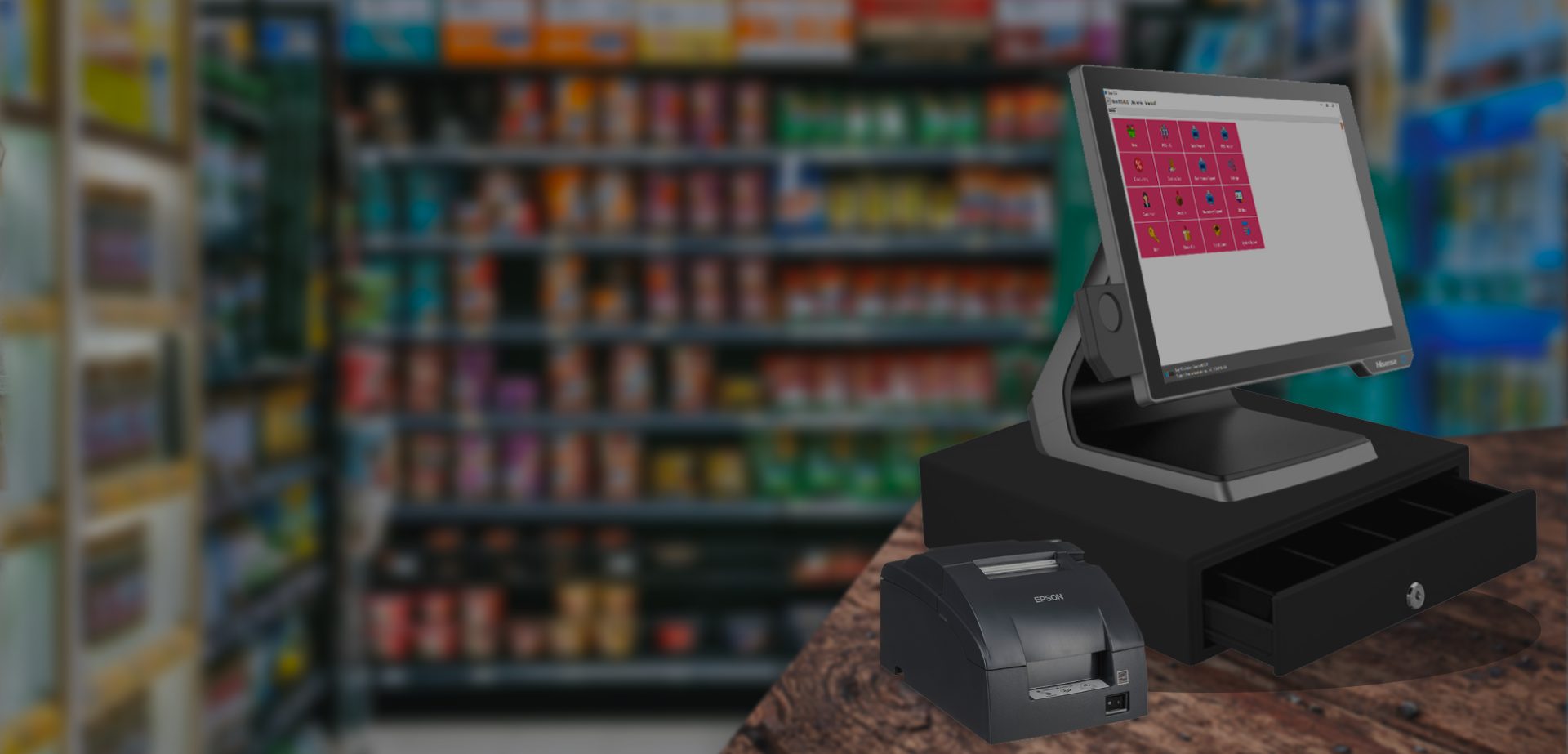
easyPOS is a Point-of-Sale software accredited with the Bureau of Internal Revenue. It is built for Philippine retail and food businesses, and it keeps the two things that matter most in one place:
- Official Receipt is issued for each sale, so every customer gets a consistent receipt and your records match what was handed out.
- Sales Report summarizes what was sold, so you do not have to add up slips at the end of the day.
- Transaction records stay in the system, so a past day can be looked up instead of reconstructed.
Accreditation details, and the accreditation documents that apply to your specific business setup, are best confirmed with our Sales team. Please ask us and we will go through it with you.
What changes in daily work
When receipts and reports come from the same system, closing the day becomes a review rather than a calculation. The owner or manager opens the Sales Report, compares it with the cash on hand, and moves on. Cashiers follow one routine for every sale, which is easier to train and easier to check.
An illustrative scenario
Imagine a small shop owner who uses a mix of handwritten receipts and a notebook. A question comes up about sales on a specific weekend, and the owner spends an evening flipping through pages, unsure whether anything is missing.
With a POS that issues an Official Receipt for each sale and keeps the records, the same question is answered by opening the Sales Report for those dates. This is a hypothetical example, but the difference is easy to see: the answer comes from the system, not from memory.
Habits that keep you prepared
- Issue a receipt for every sale. Consistency is the simplest form of preparation.
- Review the Sales Report daily. Small differences are easier to explain the same day.
- Keep your documents together. Know where your accreditation and registration papers are before someone asks.
- Confirm your setup with Sales. Each business is different, and a short conversation avoids assumptions.
A compliant system helps, but the habits around it are what make a business calm when questions arrive.
Easy to start
A demo is the quickest way to see how receipts and reports look in easyPOS. Our team can explain what your business needs to get started and answer questions about your specific setup.
Frequently asked questions
Is easyPOS accredited by the BIR? easyPOS is a Point-of-Sale software accredited with the Bureau of Internal Revenue. For the accreditation documents that apply to your business setup, please confirm with Sales.
Does easyPOS issue receipts? Yes. easyPOS issues an Official Receipt for sales.
Can I get a summary of my sales? Yes. The Sales Report gives you a summary of what was sold, so you do not need to total slips by hand.
Want to see it in action? Message us for a free demo at humedit.ph/easypos, or contact Sales: +63 917 628 0355 / hiisales@humedit.ph.