


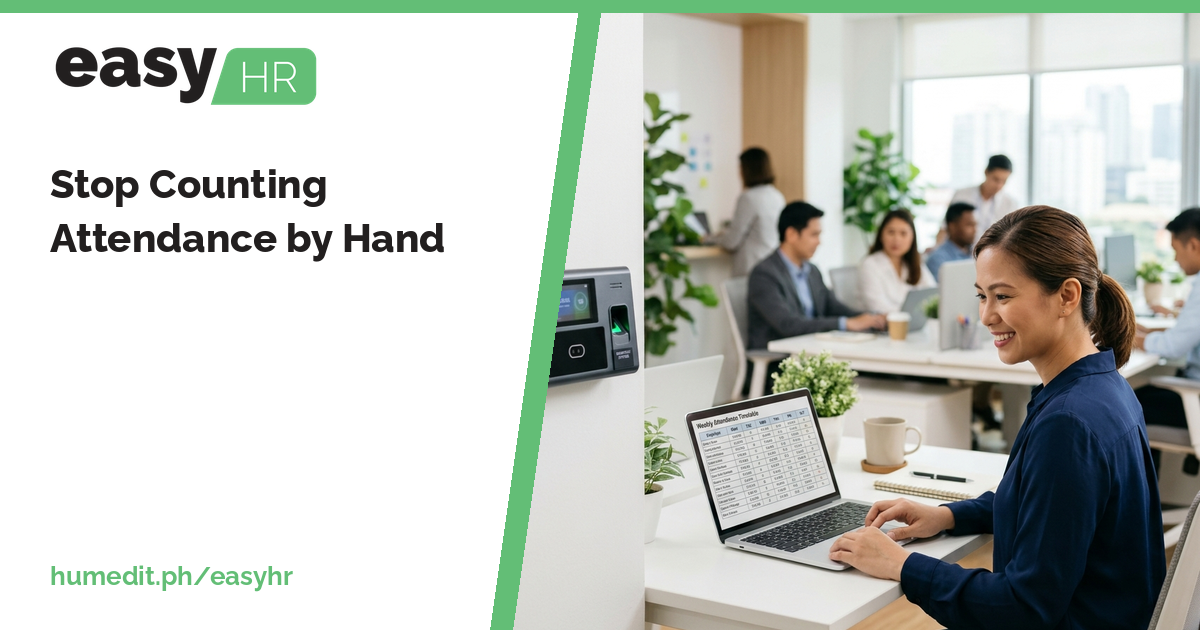
Stop Counting Attendance by Hand
Counting lates, undertime and absences from a log printout is slow and easy to get wrong. Import the logs and let the DTR do the counting. [...]


2026/11/02
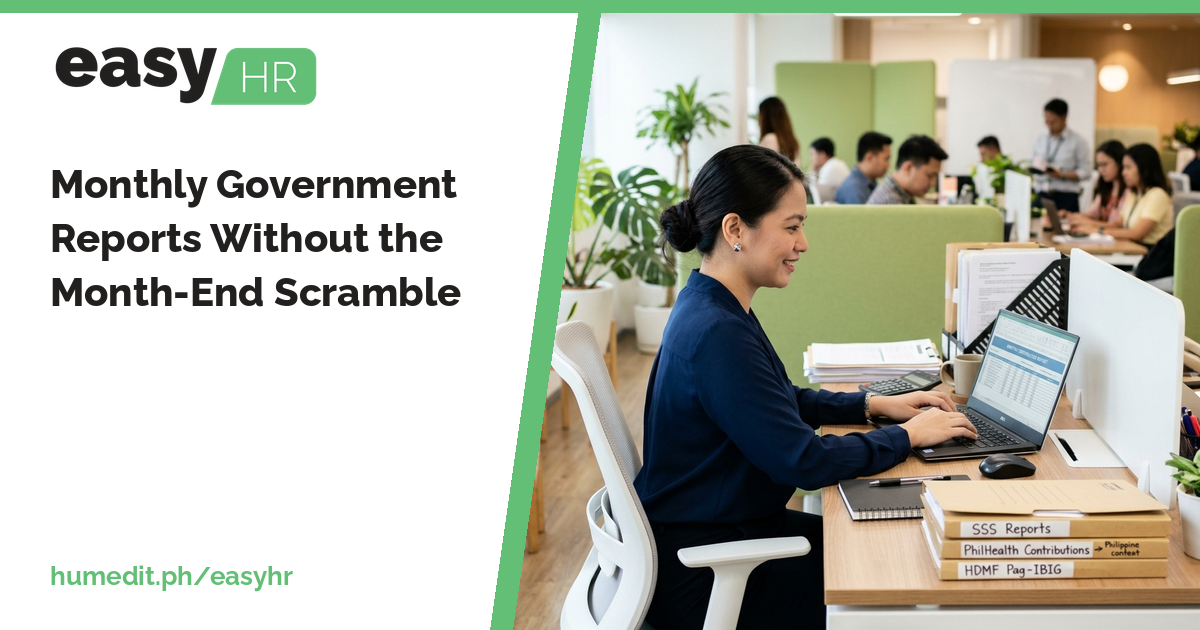
Government reports are due every month, and rebuilding them by hand is slow. Here is how finalized payroll can feed them directly.
Payroll is finished, employees are paid, and then the second job begins: preparing the reports for SSS, PhilHealth, Pag-IBIG and the BIR. If those reports are built from separate spreadsheets, the end of the month becomes a scramble that repeats every cycle.
The same payroll data has to be reorganized several times, once for each agency. Rates differ by agency and change over time. A person has to look up the right bracket for each employee, copy the amounts, and then check that the totals agree with what was actually deducted. Any difference between the report and the payroll is hard to trace.
easyHR keeps the rate tables and the payroll in the same system, so the reports come from what was actually processed:
The accuracy of these reports depends on the rate tables. Mandatory Reports rely on rate tables being kept up to date, so whenever an agency changes its rates, the matching table in easyHR should be updated before the next payroll.
When a report is built from the same finalized payroll that produced the payslips, there is one source of truth. Your team no longer has to reconcile a report against a separate payroll file, because there is no separate file. Time that went into copying and matching can go into reviewing.
Picture an HR officer at a company with several departments. Each month, after payroll, she opens four spreadsheets, finds the bracket for each employee, and retypes the amounts into the report. One month the SSS total does not match the payroll, and she spends an afternoon finding a single mistyped figure.
If the contributions were computed from registered rate tables and the report is produced from finalized payroll, that kind of mismatch has far fewer places to start. She still reviews the output, but she is checking results rather than building them.
easyHR is cloud-based, so nothing needs to be installed. Open it from a browser, register your rate tables, and work on the latest version without any update work on your side.
Where do the reports get their figures? From finalized payroll, so they match what was deducted.
Do I need to keep the rate tables updated? Yes. Mandatory Reports depend on the registered rate tables being current.
Which agencies have rate tables? BIR, SSS, PhilHealth and HDMF.
Want to see it in action? Message us for a free demo at humedit.ph/easyhr, or contact Sales: +63 917 628 0355 / hiisales@humedit.ph.
Counting lates, undertime and absences from a log printout is slow and easy to get wrong. Import the logs and let the DTR do the counting. [...]
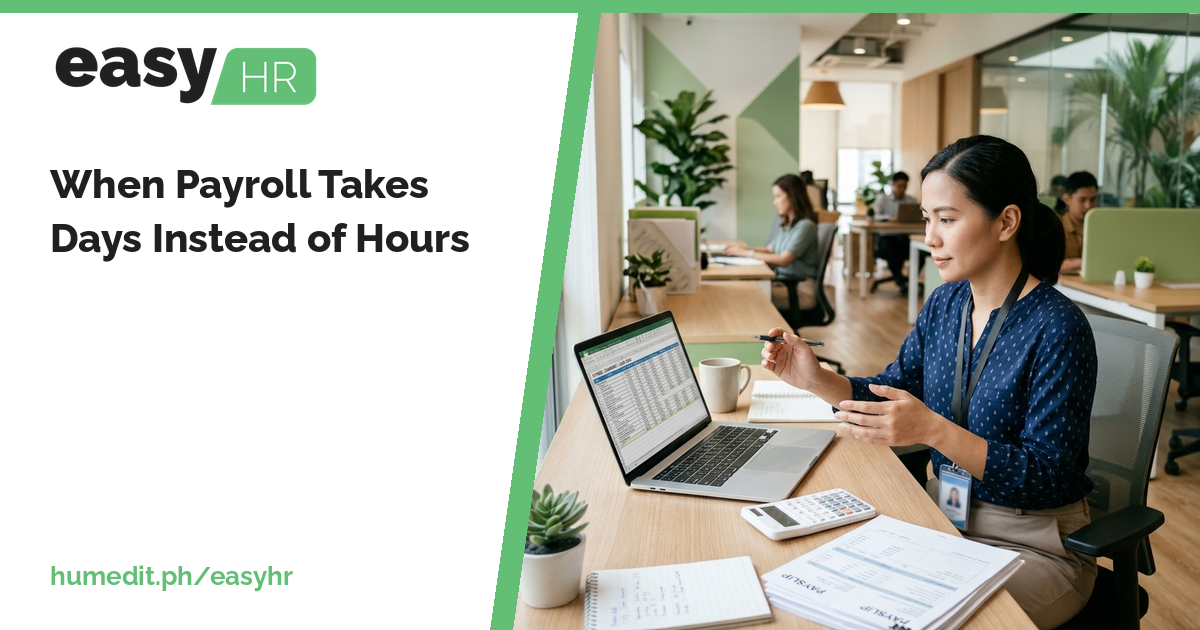
Payroll that starts from scattered attendance sheets eats days every cutoff. Here is how one flow from DTR to payroll shortens it. [...]

Timekeeping is an essential part of every business operation, as it ensures accurate records of employees’ working hours. However, traditional methods of tracking time, such as punch cards or manual log entries, are vulnerable to timekeeping fraud. This can lead to payroll errors, overpayment, and a reduction in overall business efficiency. To address these issues, [...]
Read More... from How EASYHR Stops Timekeeping Fraud Before It Even Starts
 AI Chat