2026/11/02
Counting lates, undertime and absences from a log printout is slow and easy to get wrong. Import the logs and let the DTR do the counting.
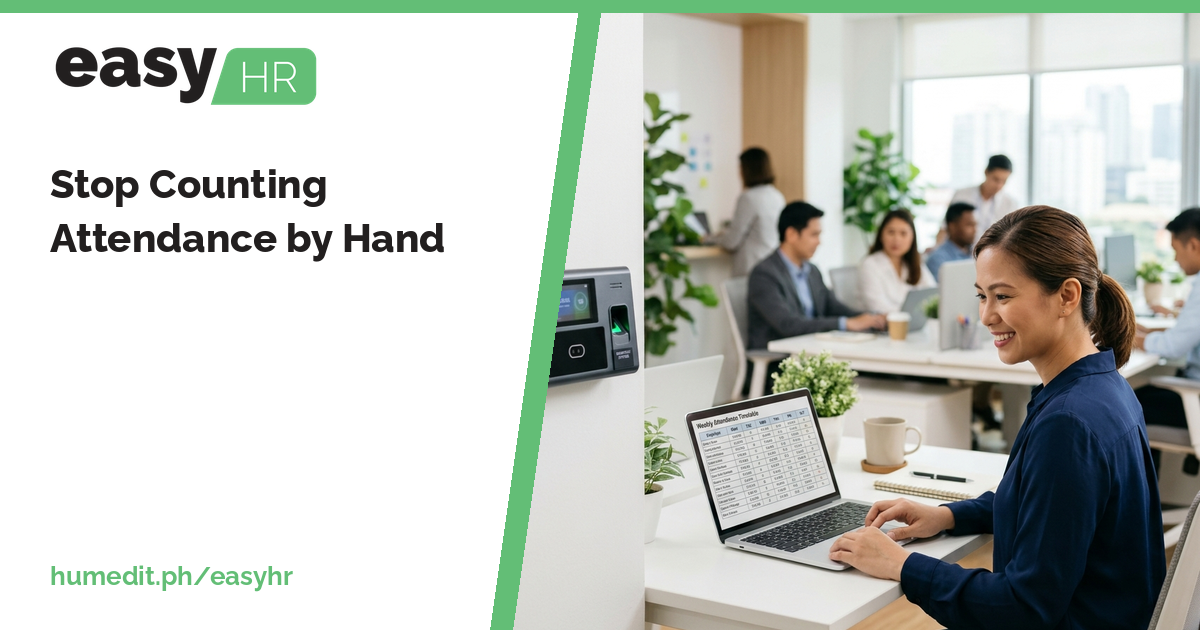
Many companies already have a biometric device at the door. The device records who came in and when. But the printout or export is only the beginning, because someone still has to turn thousands of timestamps into lates, undertime, absences and overtime.
Why manual counting hurts
Counting by hand is repetitive work with a high chance of small mistakes. Two people can count the same sheet and get different answers. Disputes follow: an employee says they were on time, the sheet says otherwise, and nobody can quickly check. The longer the count takes, the later payroll starts.
Import the logs, let the DTR compute
easyHR takes the biometric logs and does the counting in the Daily Time Record:
- Import of biometric logs brings the device records into the system instead of retyping them.
- DTR auto-computation works out late, undertime, absent and overtime for each employee from those logs.
- Tardiness and Absent reports show who was late or absent, so patterns are visible without going through every record.
Because the same DTR is what payroll works from, the attendance you review is the attendance that gets paid.
From counting to reviewing
The job changes from counting to checking. HR reviews the computed DTR, looks at the exceptions, and fixes the ones that need a human decision, such as a missing log because someone forgot to tap. The routine cases are already done.
An illustrative scenario
Imagine a company where the HR assistant exports logs at each cutoff and spends two days marking lates in a spreadsheet. Supervisors send corrections by message, and some arrive after the sheet is already closed.
After importing the logs, the assistant opens the DTR and sees late, undertime and absent already computed. She opens the Tardiness report to see who is repeatedly late, and the Absent report to confirm absences before they reach payroll. The two days become a few hours of review, and supervisors can be shown the same records the HR team sees.
Habits for reliable attendance
- Import logs on a regular schedule. Smaller batches are easier to review than a month of data at once.
- Check for missing logs first. Most surprises come from a missed tap, not from real absences.
- Use the Tardiness and Absent reports. Review them each cutoff, not only when there is a complaint.
- Settle corrections before payroll. Changes found after payroll create rework.
- Keep the rules consistent. Employees trust a count more when the same rules apply to everyone.
Easy to start
easyHR is cloud-based, so there is nothing to install. Your team can import logs and review the DTR from a browser, and always use the latest version.
Frequently asked questions
Do I have to type attendance into the system? No. You import biometric logs, and the DTR computes late, undertime, absent and overtime.
Can I see who is often late? Yes. The Tardiness report and the Absent report are available for that.
Does the DTR connect to payroll? Yes. Payroll works from the DTR, so attendance and pay stay consistent.
Want to see it in action? Message us for a free demo at humedit.ph/easyhr, or contact Sales: +63 917 628 0355 / hiisales@humedit.ph.