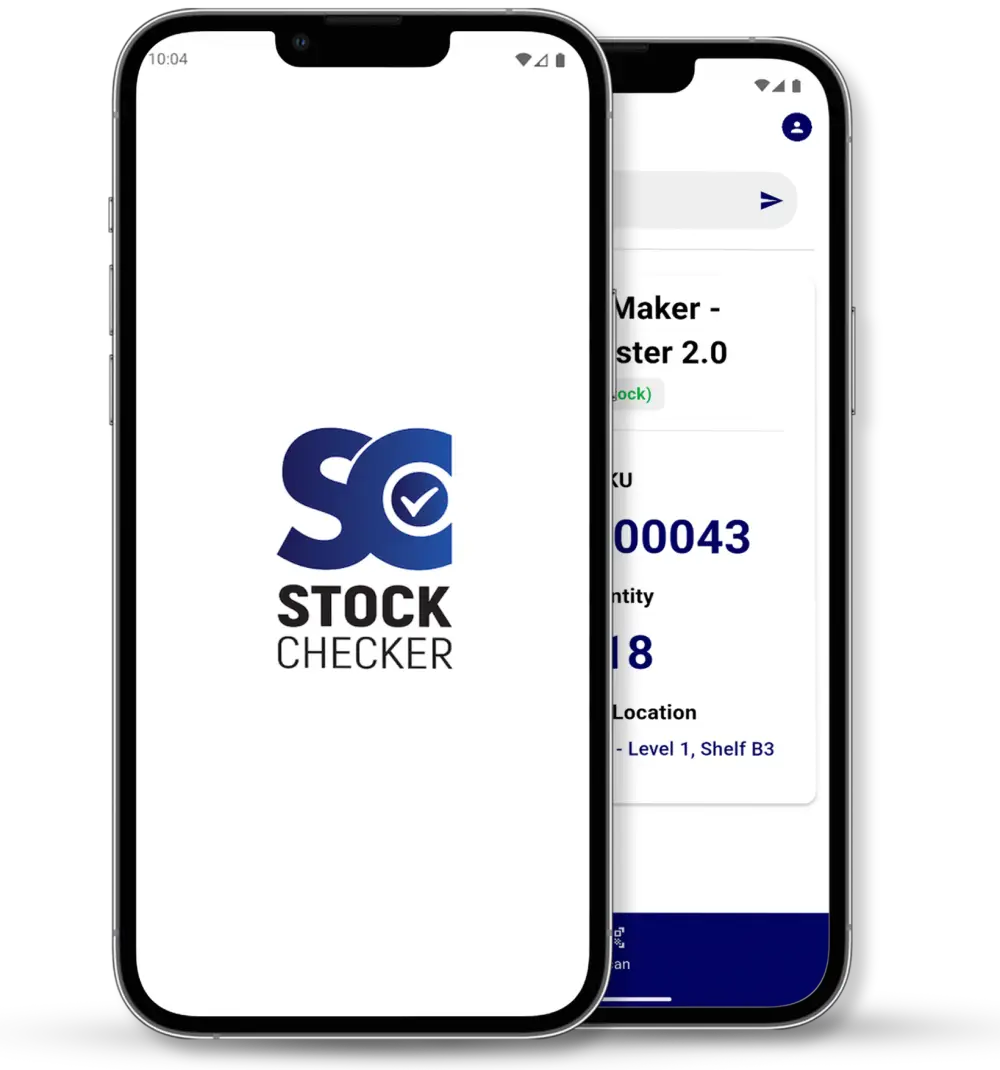
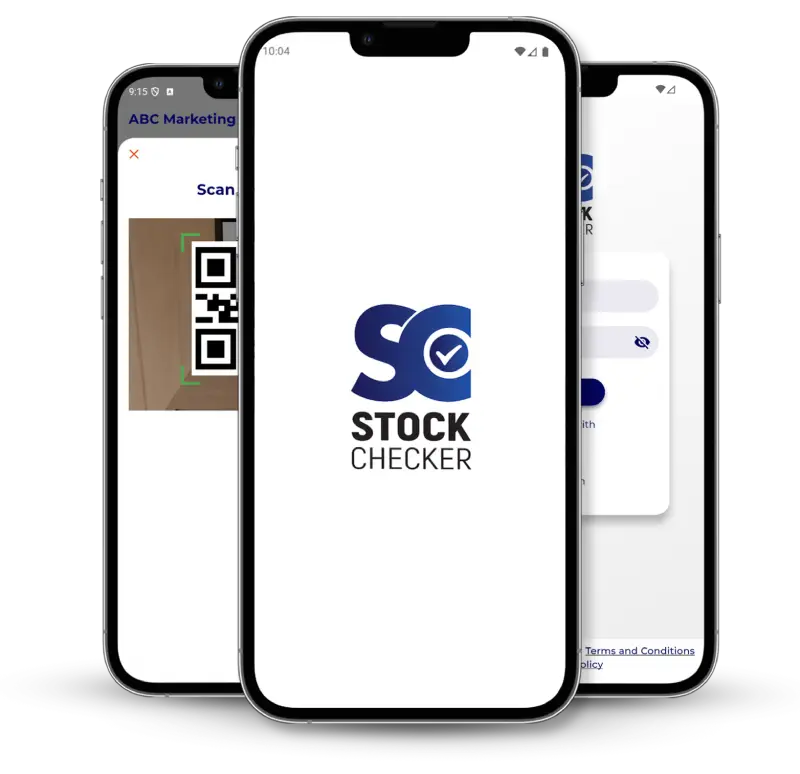
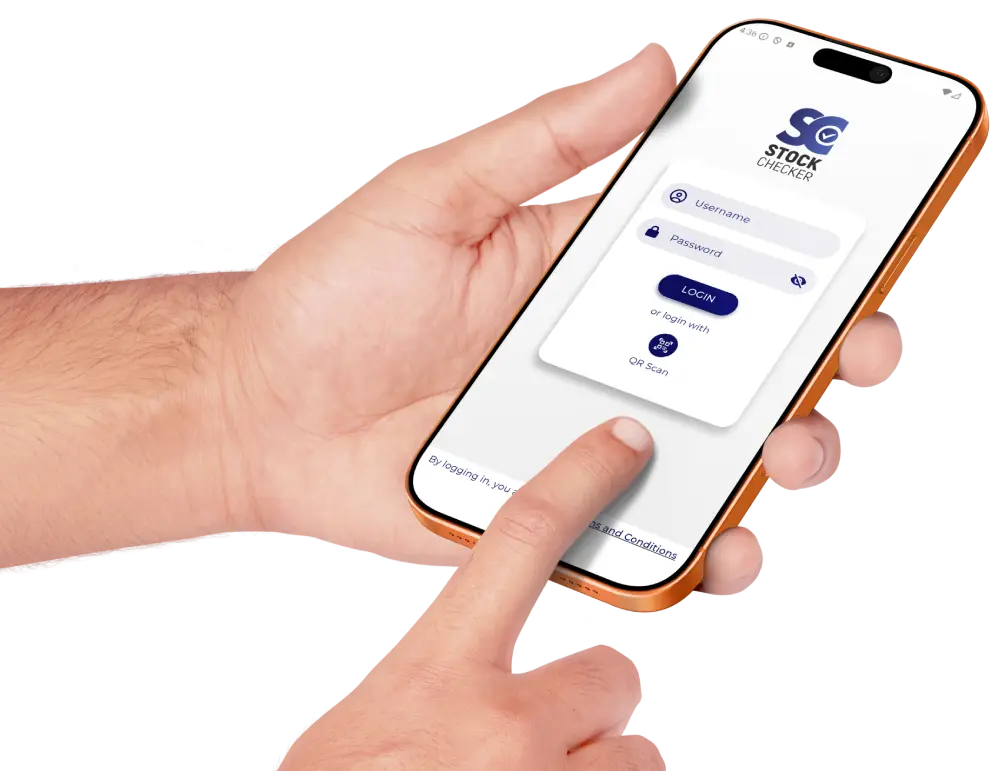
A fast, secure, and reliable mobile app designed to help businesses instantly view product information, stock levels, and branch locations through QR scanning or manual SKU search.

β¨ Key Features
π Real-Time Stock Checking
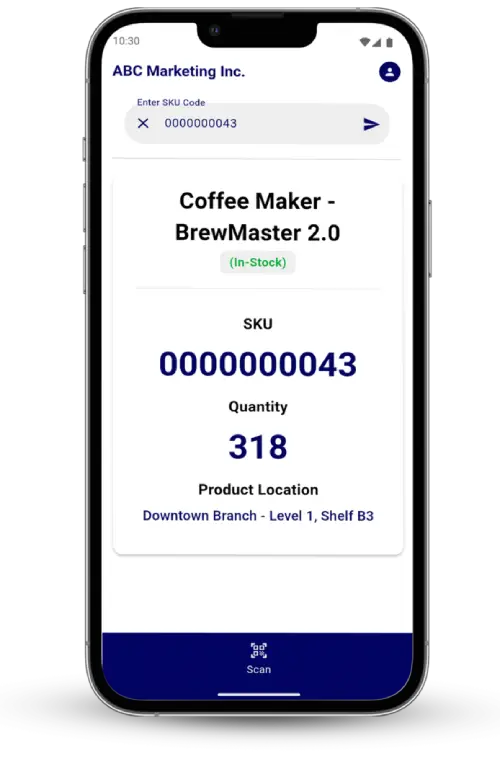
Search or scan to get immediate access to:
- Product name
- SKU code
- Quantity available
- Branch location
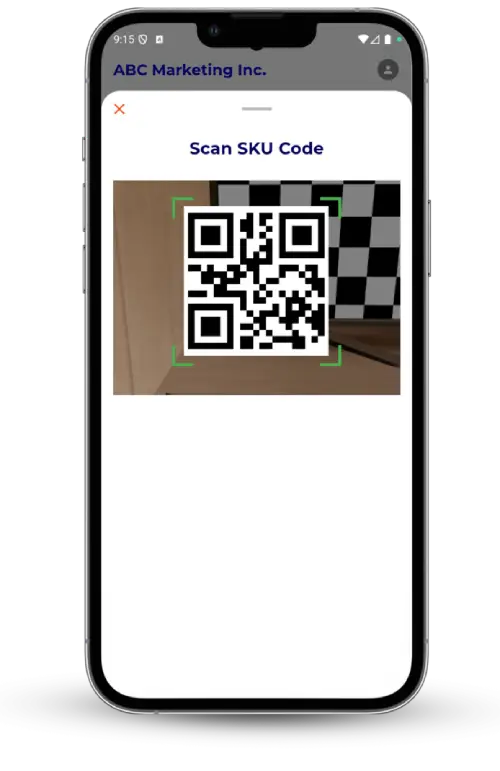
π· Fast QR Code Scanner
- Supports both 1D and 2D barcodes
- Optimized for quick and accurate scanning
- Best results with 2D barcodes (QR, Data Matrix, PDF417, Aztec)
π Secure Login Authentication
Two convenient login methods:
- Manual Username & Password
- Encrypted QR Code Login (No typing required)
- Ensures only authorized staff can access stock data.

π± Clean & User-Friendly Interface
- Bottom modal scanner for quick access
- Manual SKU entry available anytime
- Optimized for warehouse and store operations
π How It Works
1. Download the App
Available on Google Play Store.
Search for Stock Checker β Tap Install.
2. Allow Permissions
- Camera access needed for scanning
- Internet access required for real-time data retrieval
3. Log In Securely
- Enter credentials or scan QR login code from your admin
4. Scan or Search
- Scan any productβs SKU code
- Or manually enter SKU to retrieve product info
5. View Product Details
Instant display of:
- Stock availability
- Branch location
- Item details
6. Logout Safely
Protect company stock data by logging out after use.
π Common Use Scenarios
β Scan SKU β Instantly view stock
β Handle scanning errors with helpful alerts
β Use manual search when QR code is unreadable
β View stock levels across branches
β FAQ
Does the app include user registration?
No. Users are created and managed in the companyβs central user management system.
What barcode types are supported?
β 2D: QR Code, Data Matrix, PDF417, Aztec
β 1D: Code 128, Code 39, Interleaved 2 of 5, Code 93
π¦ Ideal For
- Warehouses
- Retail stores
- Inventory teams
- Office asset tracking
- Any business with SKU-based products