


Give Each Person Only the Access They Need
Not everyone should see everything. Set rights per user and limit screens and branches. [...]
Read More... from Give Each Person Only the Access They Need


2026/11/05
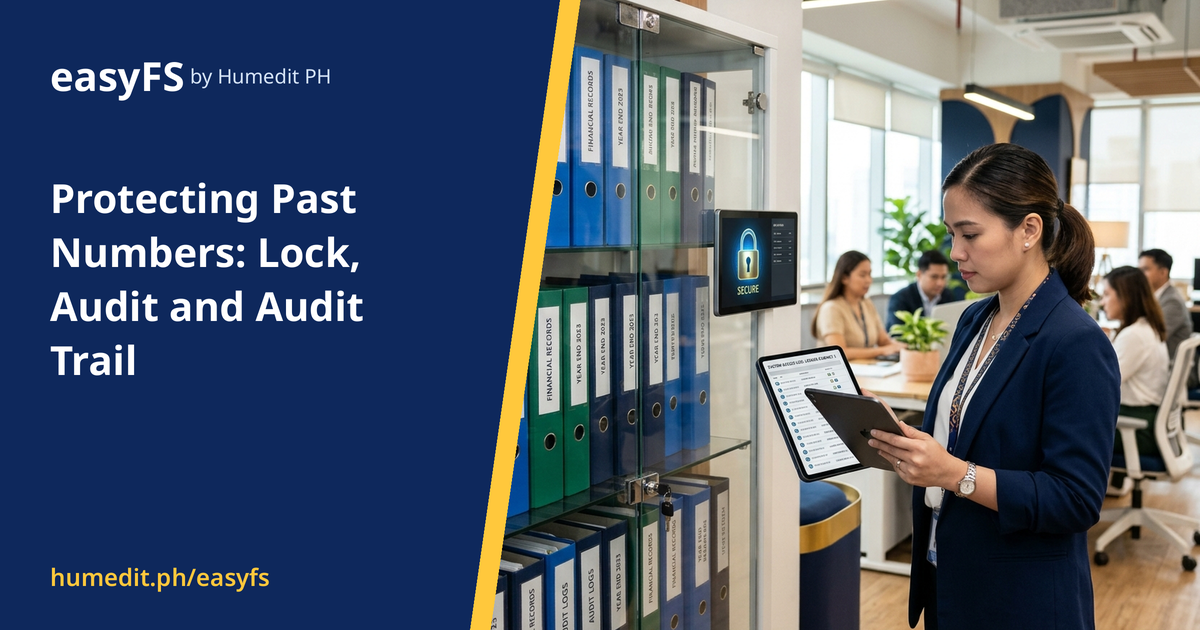
Worried someone changed closed records? Learn how locking finalized entries and keeping a history of actions builds trust in your books.
Once a period is reviewed and reported, everyone expects its numbers to stay the same. Yet in many companies, nothing technically prevents someone from editing an old entry, and nobody would know it happened.
Changed history undermines reports already shared with owners, lenders or auditors. Even honest corrections, made without a record, make it hard to explain why numbers differ from what was reported.
easyFS gives you three tools:
When a question comes up about a past entry, you can answer from the system rather than from memory. Staff understand that changes are visible, which supports good habits. Combined with per-user rights, you can decide who is allowed to lock, unlock or edit.
At the end of a quarter, the owner of a company receives the financial statements and shares them with the bank. Two weeks later, someone edits an invoice dated in that quarter to correct a customer name. The edit is harmless, but the amount in the ledger no longer matches the report the bank received.
If the period had been locked, the edit would not have been possible without a deliberate unlock. If it had been unlocked and changed, the Audit Trail would show who did it and when, so the difference could be explained in minutes instead of days.
These measures are not about distrust. They protect honest people from honest mistakes and give owners, lenders and auditors a reason to rely on the numbers.
These controls are part of the same screens your team already uses. easyFS is cloud-based, with no servers to maintain and no update work.
Who can unlock a locked record? That depends on the rights you assign. Per-user rights let you limit unlocking to a few trusted people.
Will staff be able to hide changes? The Audit Trail keeps a history of actions, so changes are visible rather than hidden.
Is this only useful for audits? No. It also helps in daily work, because people know that finalized numbers will stay stable and changes can be explained.
Want to see it in action? Message us for a free demo at humedit.ph/easyfs, or contact Sales: +63 917 628 0355 / hiisales@humedit.ph.

Not everyone should see everything. Set rights per user and limit screens and branches. [...]
Read More... from Give Each Person Only the Access They Need
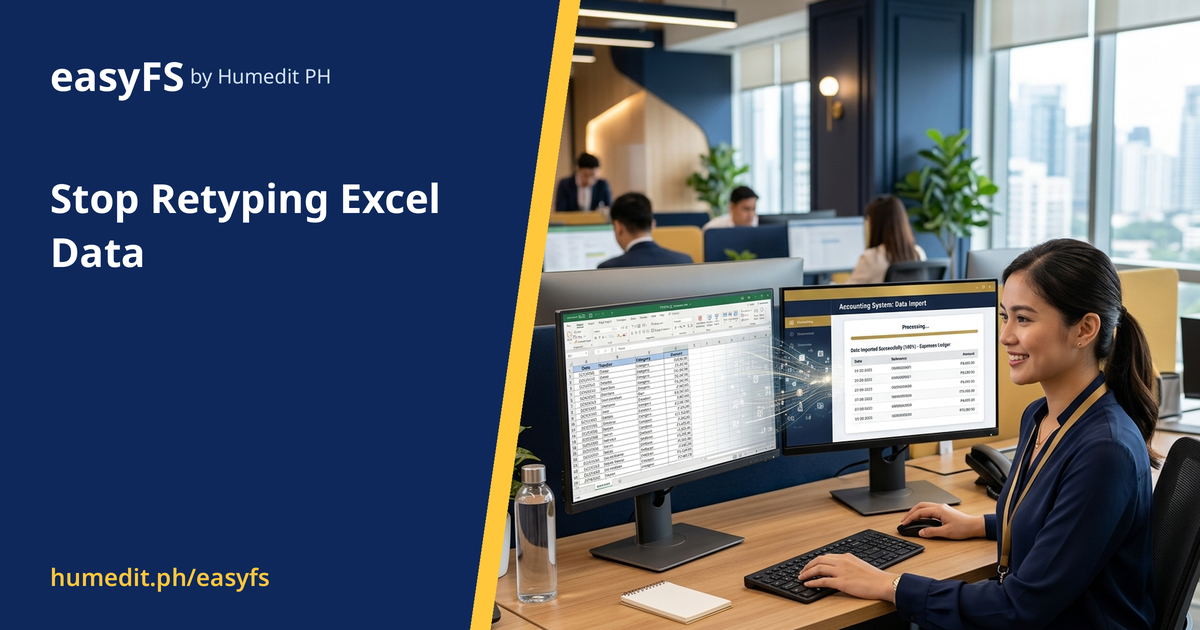
Copying figures from spreadsheets creates mistakes. Load an Excel template into a Draft screen, check it, then post in bulk. [...]

Each branch with its own spreadsheet means no one sees the whole business. Multi-branch and multi-company support gives branch and company figures from the same data. [...]
 AI Chat