


Get a Clear View of Your Daily Sales
If you cannot tell what sold today without adding slips, you are managing in the dark. See every sale and every item clearly. [...]


2026/11/03
When payment types are mixed up at closing, the till never balances. Record how each sale was paid, including returns.
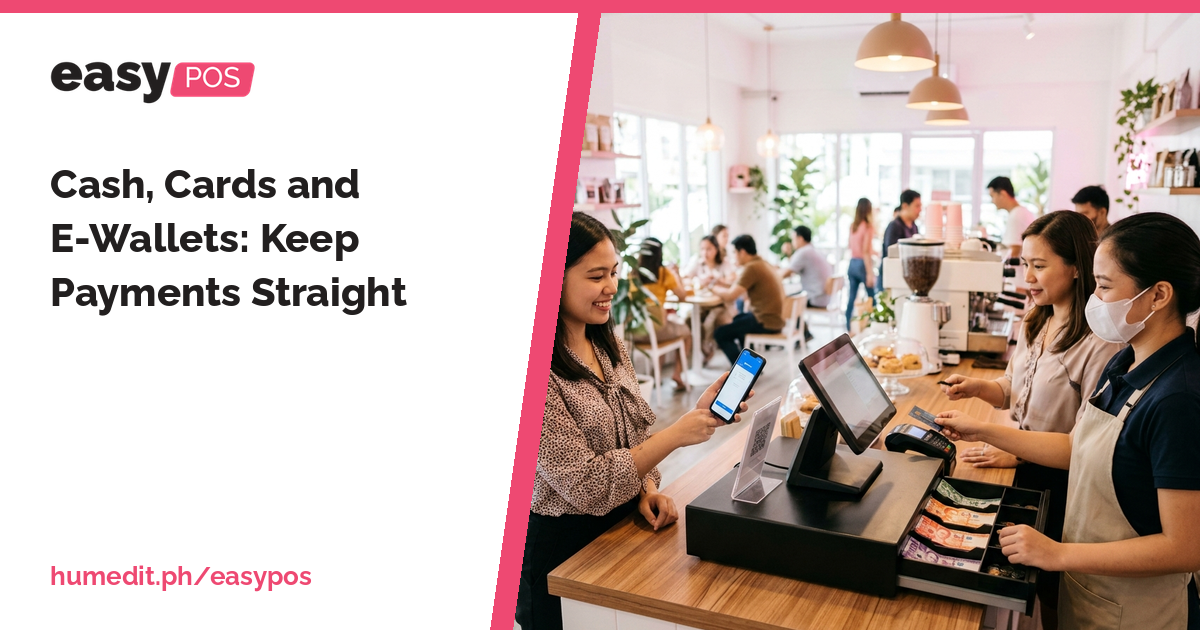
Customers pay in more ways than before. Cash, cards and e-wallets may all pass through the same counter in one afternoon. That is good for sales, but it makes closing harder. If the payments are not separated, the till total, the card slips and the wallet notifications are all compared against one number, and the differences are difficult to explain.
The usual cause is that the payment method is not written down when the sale happens. At the end of the day, someone has to guess how much was cash and how much was something else. Returns make it worse: a refund may be given in a different way from the original payment, and the record does not always say so.
When the till does not balance, the team spends time looking for the cause, and sometimes the cashier is unfairly blamed.
easyPOS records the payment method with the sale:
Because the payment type is part of the transaction, you can group sales by how they were paid when you review the day.
With tender types recorded, closing the till becomes a matter of comparing like with like. Cash in the drawer is checked against cash sales. Card and e-wallet sales are checked against their own totals. If there is a difference, the team knows which payment type to look at, not the whole day.
Picture a busy counter where most customers pay in cash, some with cards, and a growing number with an e-wallet. At closing, the cashier counts the drawer and finds it short. The manager has no way to tell whether the shortage is in cash or whether a wallet payment was entered as cash.
If each sale carries its tender type, the manager checks the cash sales against the drawer, then checks the other types separately. A return paid back in cash is visible as a return, not hidden inside the day’s total. This is a hypothetical example, but it shows how separating the payment types narrows down a difference.
Clear payment records protect both the business and the cashier. When the record shows what happened, the discussion is based on facts.
A demo shows how tender types and returns appear in easyPOS. If you accept payment methods that you want to confirm, ask our Sales team and we will go through them with you.
Does easyPOS record how a sale was paid? Yes. The tender type is recorded for every sale.
What about returns? The tender type is recorded for returns as well.
Which payment methods can I set up? Please ask Sales to confirm the options for your business.
Want to see it in action? Message us for a free demo at humedit.ph/easypos, or contact Sales: +63 917 628 0355 / hiisales@humedit.ph.

If you cannot tell what sold today without adding slips, you are managing in the dark. See every sale and every item clearly. [...]

Missing items and wrong counts usually come from unrecorded movements. Stock In, Stock Out and Stock Count keep your records honest. [...]
Worried about BIR rules for your point-of-sale? Here is what to look for in receipts and reports, and how easyPOS fits in. [...]
 AI Chat