


Stop Retyping Excel Data
Copying figures from spreadsheets creates mistakes. Load an Excel template into a Draft screen, check it, then post in bulk. [...]



2026/11/04
Each branch with its own spreadsheet means no one sees the whole business. Multi-branch and multi-company support gives branch and company figures from the same data.
Growth usually adds branches, and sometimes new companies. Each one starts with its own set of files. A year later, the owner is asking for a combined picture and the finance team is merging spreadsheets by hand.
Separate files make comparison slow and errors likely. Totals differ depending on who prepared them, and it is hard to tell whether a branch is doing well until the consolidation is finished.
easyFS supports multi-branch and multi-company use:
Each branch can enter its own transactions while head office reviews the results. Combined with per-user rights, you can limit what each person sees to the screens and branches they need.
A food business starts with one shop, opens two more branches and later sets up a separate company for its commissary. The owner asks a simple question: which branch is most profitable this quarter? The answer requires four spreadsheets, two of which use different account names.
When every branch and company is recorded in the same system, with the same chart of accounts structure, the question is answered by selecting the branch or company and opening the report. The numbers agree because they come from the same records.
Growth is easier when your accounting does not need to be rebuilt each time you add a location. A system designed for multiple branches and companies lets you add them as part of normal operations.
Adding a branch no longer means building another set of files. easyFS is cloud-based, with no servers to maintain and no update work, so new locations can start using the same system quickly.
Can each branch enter its own transactions? Yes. Branches record their own work, and head office reviews the results from the same data.
Can one user see several branches? Rights can be limited by screen and branch, so you decide who sees what.
Can I manage more than one company? Yes. easyFS supports multi-company use within the system.
Want to see it in action? Message us for a free demo at humedit.ph/easyfs, or contact Sales: +63 917 628 0355 / hiisales@humedit.ph.
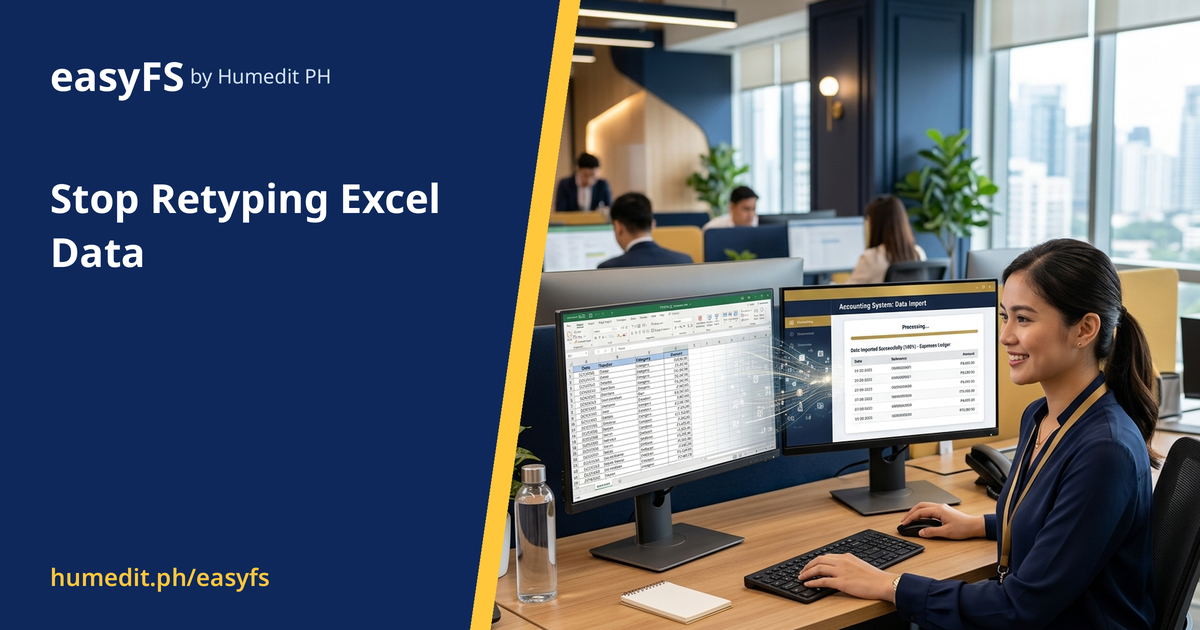
Copying figures from spreadsheets creates mistakes. Load an Excel template into a Draft screen, check it, then post in bulk. [...]

If closing eats up days of every month, the cause is usually manual consolidation. Get financial reports whenever you need them and close on screen. [...]

Stock-outs and overstock usually start with inaccurate records. Track quantity and value per item and count stock with confidence. [...]
 AI Chat