


Know Where Your Money Goes
When purchases and expenses are scattered, spending is hard to see. Record the flow from ordering to paying and review totals by account. [...]


2026/11/03
Stock-outs and overstock usually start with inaccurate records. Track quantity and value per item and count stock with confidence.
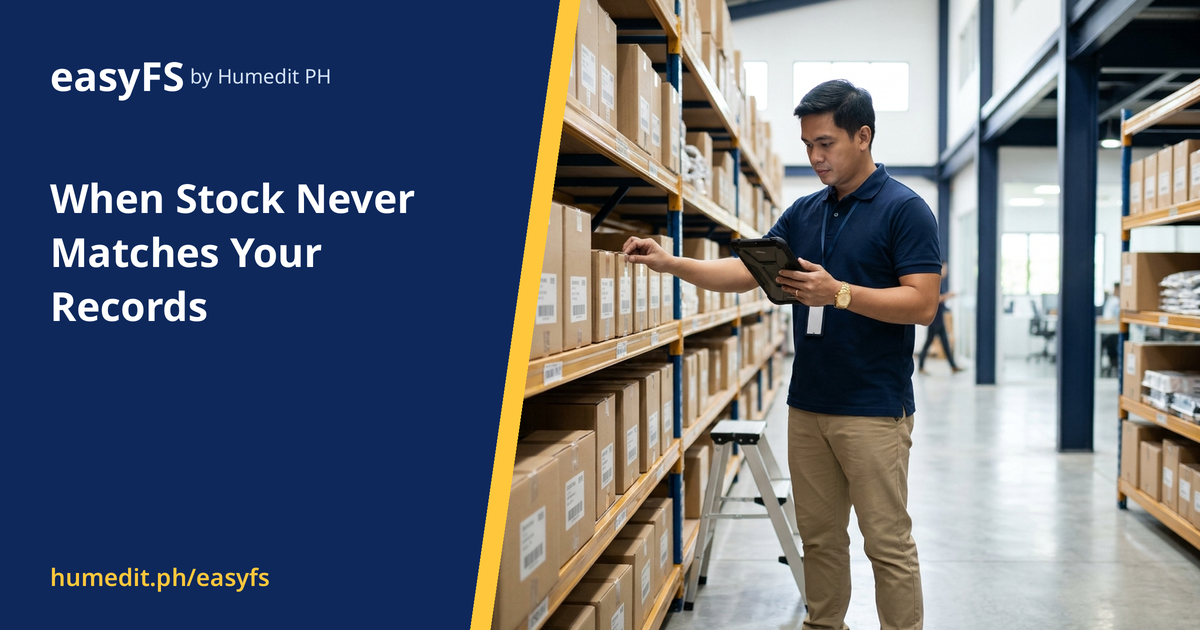
Running out of a fast-moving item loses sales. Holding too much of a slow one ties up cash. Both problems start in the same place: the stock on the shelf does not match the stock in the records.
Receipts are logged late, issues are not logged at all, and counts are done on paper and entered days afterwards. By the time someone notices a difference, it is hard to trace where it came from.
easyFS shows the quantity and value of each item whenever you need to look:
With reliable stock figures, purchasing can reorder before an item runs out, and finance can see how much capital sits in inventory. Because inventory sits in the same system as sales and purchasing, you do not have to reconcile separate files at month-end.
A retailer sells a popular item that is almost always out of stock on weekends, while a slower product fills a corner of the storeroom for months. The manager suspects the records are wrong but cannot prove it, because the last count was done on paper three weeks ago and entered only partially.
With quantity and value shown per item, the manager sees at once which item is low and which one holds the most cash. A Stock Count then confirms the actual quantities, and the differences are corrected through a controlled process rather than an overwrite.
Accurate stock is a habit supported by a system. The system makes the habit easy: movements, counts and reports are in one place, so the right thing to do is also the quickest thing to do.
easyFS is cloud-based, so there is nothing to install or maintain. Your team can run a stock count and review the results from any browser, and always work on the latest version.
Can I count stock without stopping the business? A Stock Count compares the shelf with the system’s expected quantities. Many companies count by area or by item group to keep operations running; your team can choose what suits it.
Does inventory connect to sales and purchasing? Yes. Inventory sits in the same system as sales and purchasing, so you avoid reconciling separate files.
Can I see the value of stock, not only the quantity? Yes. easyFS shows both quantity and value per item.
Want to see it in action? Message us for a free demo at humedit.ph/easyfs, or contact Sales: +63 917 628 0355 / hiisales@humedit.ph.

When purchases and expenses are scattered, spending is hard to see. Record the flow from ordering to paying and review totals by account. [...]

Slow invoicing means late payments. See how creating and settling invoices in one system shortens the road from sale to cash. [...]

Books, vouchers and reports that are hard to prepare turn every BIR audit into a scramble. Here is how a system designed with CAS requirements in mind changes that. [...]
Read More... from Preparing for BIR CAS Requirements Without the Stress
 AI Chat