


One View Across Branches and Companies
Each branch with its own spreadsheet means no one sees the whole business. Multi-branch and multi-company support gives branch and company figures from the same data. [...]


2026/11/04
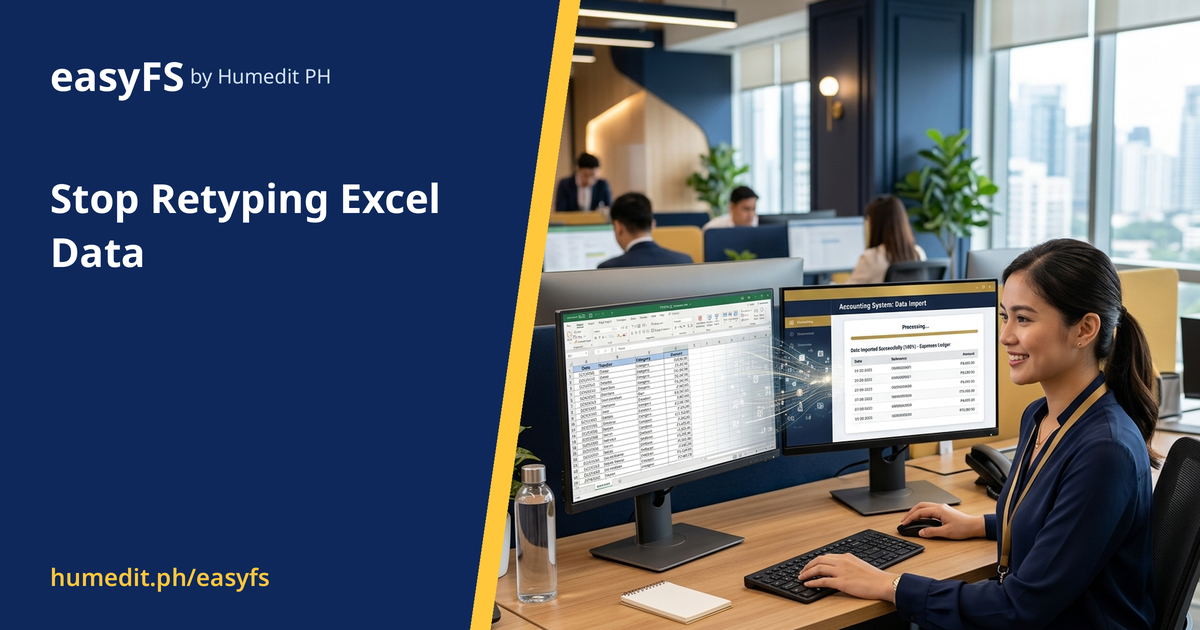
Copying figures from spreadsheets creates mistakes. Load an Excel template into a Draft screen, check it, then post in bulk.
Excel remains the tool many teams use to collect data: payroll sheets from a branch, sales lists from a partner, a long list of expenses from a project. The weak point is the step after: someone retypes those rows into the accounting system.
Retyping is slow and tiring, and the errors it creates are hard to find later. A transposed digit or a skipped row can sit unnoticed until reconciliation.
easyFS lets you load an Excel template into a Draft screen, review it, and then Post in bulk:
Nothing is final until you post. That gives your team a safe place to catch mistakes, and it keeps unreviewed data out of the books. High-volume entries that used to take hours of typing become a short review.
A company with several project sites collects expense lists from each site manager in Excel. Every Friday, an accounting clerk retypes about three hundred rows into the accounting system. A single misplaced decimal point goes unnoticed until the project budget is reviewed a month later.
With an Excel template loaded into a Draft screen, the clerk imports the rows in one step. The Draft shows exactly what will be posted. Errors are corrected while the data is still a draft, and only then are the entries posted together.
The aim is not to replace Excel, which is a good tool for collecting data. The aim is to remove the retyping step between Excel and your books, so that people spend their time checking data rather than copying it.
You do not have to give up Excel. You simply stop using it as the place where data is copied by hand. easyFS is cloud-based, so the same import can be done from any browser, with no software to install.
What if the imported data has errors? The data lands in a Draft screen first, where you can review and correct it before posting.
Do I have to stop using Excel? No. You keep using Excel to collect data. You simply avoid retyping it by importing from the template.
Can I post many entries at once? Yes. Once the Draft looks right, you can post in bulk.
Want to see it in action? Message us for a free demo at humedit.ph/easyfs, or contact Sales: +63 917 628 0355 / hiisales@humedit.ph.

Each branch with its own spreadsheet means no one sees the whole business. Multi-branch and multi-company support gives branch and company figures from the same data. [...]

If closing eats up days of every month, the cause is usually manual consolidation. Get financial reports whenever you need them and close on screen. [...]

Stock-outs and overstock usually start with inaccurate records. Track quantity and value per item and count stock with confidence. [...]
 AI Chat