


Getting Payslips Out Without the Extra Work
Payroll is done, yet payslips still take hours to prepare. Generate them from the same finalized data and save the repeat effort. [...]
Read More... from Getting Payslips Out Without the Extra Work


2026/11/04
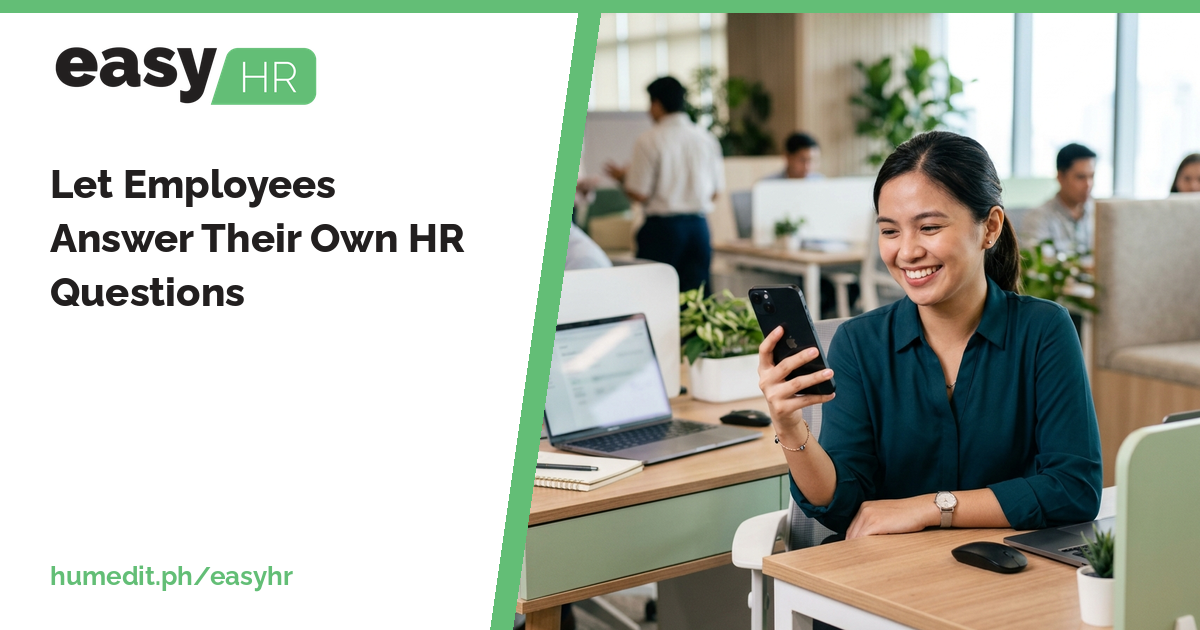
Much of an HR day goes to the same few questions. An employee portal lets people check their own records and file their own requests.
“Can you send me my payslip?” “How many days was I absent?” “How much do I still owe on my loan?” HR teams answer these again and again, often by message, often by looking something up that the employee could have seen directly.
Employees do not have access to their own information, so they ask the one person who does. Each question is small, but together they interrupt the work that needs concentration, such as payroll and reports. Requests for leave, overtime or a shift change also arrive in different forms, and must be re-entered.
easyHR includes an Employee Portal where employees can look after their own side of HR:
What employees see is their own information, and what each person can do depends on the rights given to them by the company.
Employees get quicker answers, at any time, without waiting for HR to reply. HR gets fewer interruptions and cleaner requests. Because requests are filed in the system, they flow to approval and then to the DTR and payroll without retyping.
Imagine an HR officer who receives dozens of messages around each payday: payslip copies, attendance questions, loan balances. Each takes only a few minutes, but the day is gone before payroll review begins.
With an Employee Portal, employees look up their attendance and payslips themselves. A loan balance is a quick check, not a message. When someone needs leave, they file the request in the portal and the approver sees it directly. The officer’s inbox is quieter, and the time goes back into work that only HR can do.
easyHR is cloud-based, so employees can use the portal from a browser without installing anything, and the company always works on the latest version.
What can employees see? Their own attendance, payslips, loan balances and 13th month pay.
What can employees file? Leave, overtime and change-shift requests.
Does everyone get the same access? Access depends on the settings and the rights the company gives each user.
Want to see it in action? Message us for a free demo at humedit.ph/easyhr, or contact Sales: +63 917 628 0355 / hiisales@humedit.ph.
Payroll is done, yet payslips still take hours to prepare. Generate them from the same finalized data and save the repeat effort. [...]
Read More... from Getting Payslips Out Without the Extra Work
Overtime disagreements usually come from unclear approval. Pay overtime only when it was applied for and approved, and let the DTR show it. [...]
Read More... from Ending Overtime Disputes Before They Start

When nobody is sure how many leave days are left, questions and disagreements follow. Keep credits, requests and reports in one place. [...]
 AI Chat