


Let Employees Answer Their Own HR Questions
Much of an HR day goes to the same few questions. An employee portal lets people check their own records and file their own requests. [...]
Read More... from Let Employees Answer Their Own HR Questions
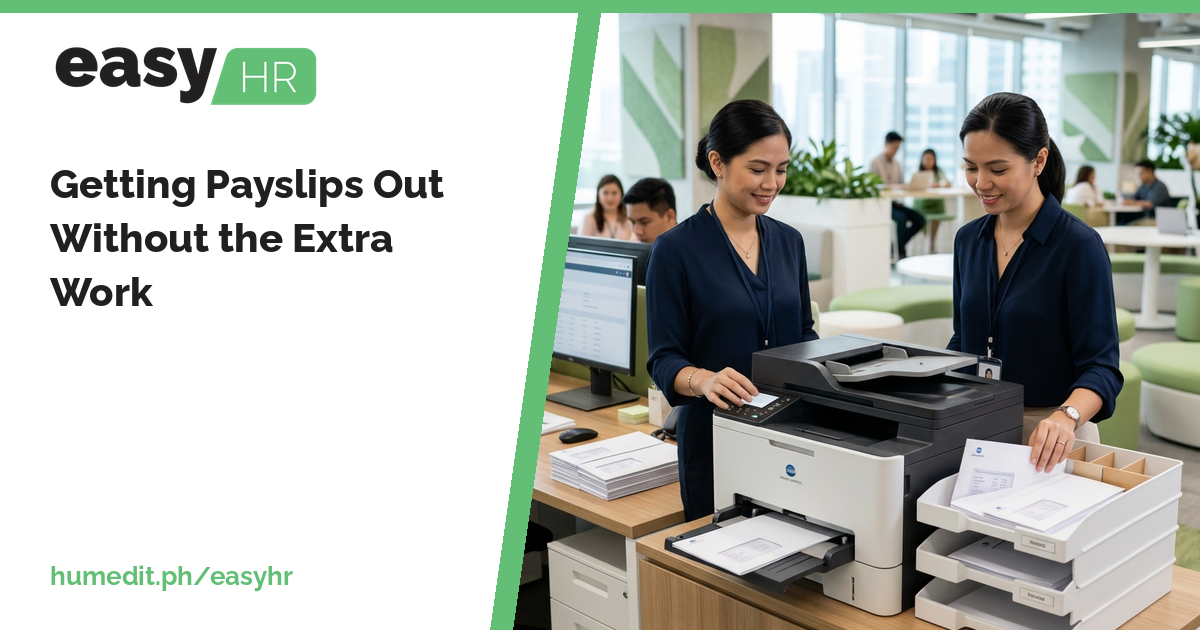


2026/11/04
Payroll is done, yet payslips still take hours to prepare. Generate them from the same finalized data and save the repeat effort.
Finishing payroll feels like the end of the job. Then comes the request to prepare payslips for everyone, and for the employee who needs a copy of last month’s. If each payslip is built separately from a payroll file, it becomes a second payroll cycle.
Payslips are often made by copying figures from a payroll spreadsheet into a template, one employee at a time. This is repetitive and error-prone. Worse, the payslip can differ from the payroll if a figure changes after the copying. When an employee questions a number, HR must open the original file and work backward.
easyHR produces payslips after payroll is finalized, using the same data:
Since payslips follow finalized payroll, finalize only after your review is complete.
A payslip is the document employees actually read. When it matches payroll exactly, it builds confidence in the process. When it does not, questions multiply. Producing payslips from the source removes one of the common reasons for doubt.
Imagine an HR assistant at a company with several teams. After each cutoff, she spends the afternoon producing payslips, formatting them and sending them out. Twice in a year, a correction to payroll made after the payslips were prepared left a few employees with a payslip that no longer matched.
If payslips come from finalized payroll, she runs the Payslip Report for a team and has them ready. When one employee asks for a copy, she pulls only that person’s payslip. The afternoon is shorter, and the figures always trace back to the payroll.
easyHR is cloud-based, so there is nothing to install or maintain. HR can open it from a browser and always use the latest version.
When can I generate payslips? After payroll is finalized.
Can I print for just one employee? Yes. The Payslip Report can be run for a whole group or for one employee.
Will the payslip match payroll? Yes, because it is produced from the same data as payroll.
Want to see it in action? Message us for a free demo at humedit.ph/easyhr, or contact Sales: +63 917 628 0355 / hiisales@humedit.ph.

Much of an HR day goes to the same few questions. An employee portal lets people check their own records and file their own requests. [...]
Read More... from Let Employees Answer Their Own HR Questions
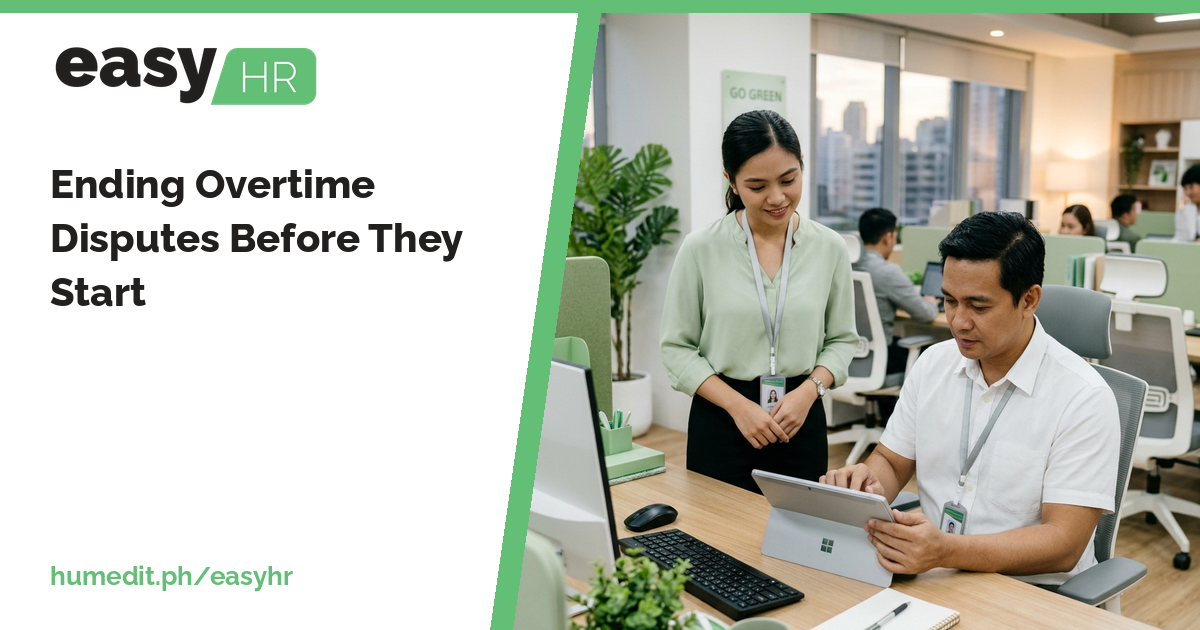
Overtime disagreements usually come from unclear approval. Pay overtime only when it was applied for and approved, and let the DTR show it. [...]
Read More... from Ending Overtime Disputes Before They Start

When nobody is sure how many leave days are left, questions and disagreements follow. Keep credits, requests and reports in one place. [...]
 AI Chat