


Keeping Year-End Tasks From Piling Up
December and January bring the 13th month pay and employee tax forms all at once. Build them from finalized payrolls instead of from scratch. [...]


2026/11/05
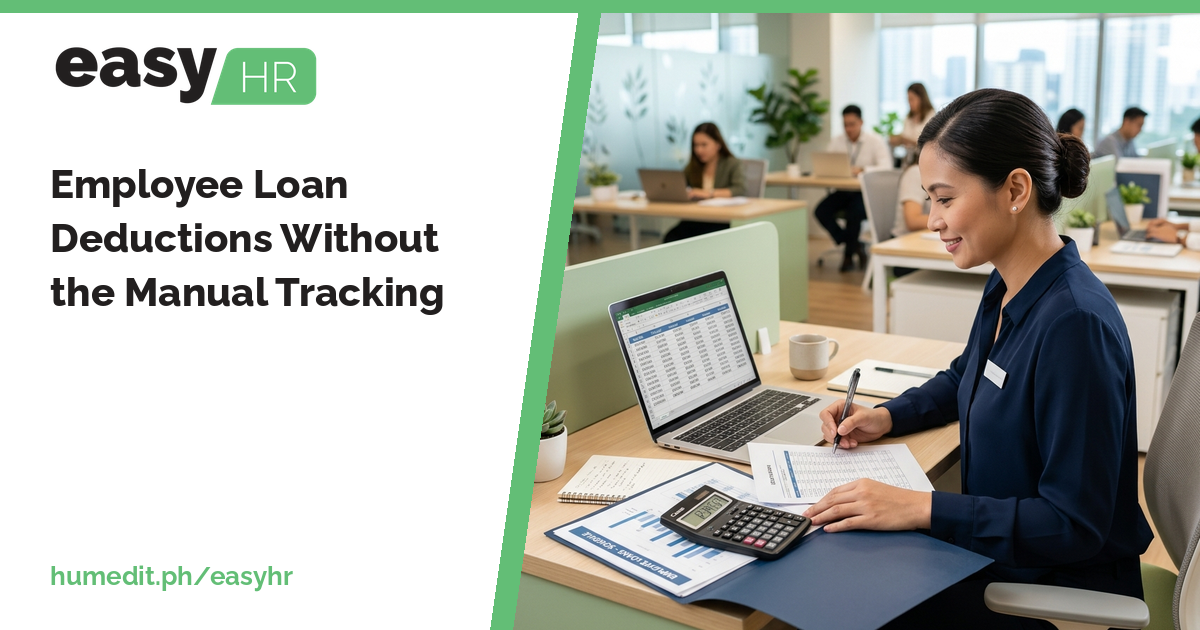
Tracking who owes what, and how much to deduct each cutoff, is easy to get wrong. Register a loan once and let payroll deduct it until it is paid.
Employee loans, whether from SSS, HDMF or the company’s own calamity assistance, are deducted from pay over many cutoffs. That makes them easy to forget, easy to double-count and hard to explain when an employee asks for the balance.
A loan lasts months or years, and the deduction has to be correct every cutoff. In a spreadsheet, someone must remember to add the deduction, reduce the balance and stop at the right time. If one cutoff is missed, the balance is wrong. If the deduction continues too long, an employee is overcharged and trust suffers.
easyHR handles the repetition:
Employees can also check their loan balances in the Employee Portal, which reduces the questions that reach HR.
With deductions driven by a single registration, the balance and the payroll agree. HR can answer “how much is left?” from the record, and the employee sees the same figure. The common mistakes, a skipped deduction or one that runs too long, become much less likely.
Imagine a company with several employees who have loans at the same time. The payroll officer keeps a sheet with columns for each loan and updates it every cutoff. One month she is on leave, and the substitute forgets two deductions. Months later, an employee notices their balance is higher than expected, and the officer has to reconstruct the history by hand.
If each loan is registered once and payroll deducts it automatically, the substitute does not need to remember anything. The loan reports show what is outstanding, and the employee can check the balance in the portal without asking.
easyHR is cloud-based, with nothing to install. You can register loans and review the reports from a browser, always on the latest version.
Do I enter the deduction every cutoff? No. Register the loan once, and payroll deducts it until it is paid.
Which loan reports are there? SSS Loan, Calamity Loan and HDMF Loan reports.
Can employees see their balance? Yes, in the Employee Portal.
Want to see it in action? Message us for a free demo at humedit.ph/easyhr, or contact Sales: +63 917 628 0355 / hiisales@humedit.ph.

December and January bring the 13th month pay and employee tax forms all at once. Build them from finalized payrolls instead of from scratch. [...]

Much of an HR day goes to the same few questions. An employee portal lets people check their own records and file their own requests. [...]
Read More... from Let Employees Answer Their Own HR Questions
Payroll is done, yet payslips still take hours to prepare. Generate them from the same finalized data and save the repeat effort. [...]
Read More... from Getting Payslips Out Without the Extra Work
 AI Chat