


Give Cashiers Only the Access They Need
Not everyone needs to see everything. Per-user rights, an Audit Trail and locked records protect your business and your staff. [...]


2026/11/05
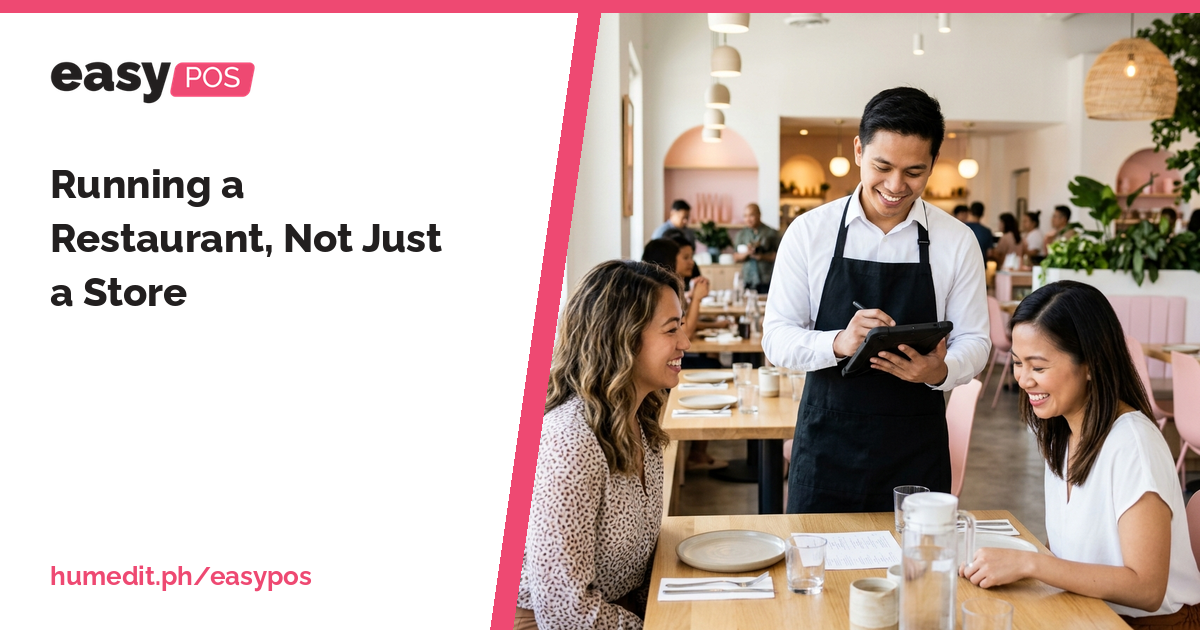
Retail and dine-in are different businesses. easyPOS serves the counter, and easyRestaurant supports dine-in operations alongside it.
A store and a restaurant both sell things, but they work differently. In a store, the customer picks items and pays at the counter. In a restaurant, a customer sits down, orders, waits, eats and pays later. The software that suits one does not always suit the other.
Dine-in service involves steps that a counter sale does not have. Orders are taken at the table, sent to the kitchen, served, and settled at the end. A single table may order several times during the meal. Staff need to know what was ordered, what was prepared and what remains to be paid.
If a business tries to run dine-in service with a simple retail screen, the staff work around the software. Notes are written on paper, and the bill is reconstructed at the end of the meal.
Humedit offers two products for these two needs, both part of the same Easy Series family:
A business that sells both at a counter and at tables can look at using the two together. For how they work side by side in your setup, please ask Sales.
When each part of the operation has software built for it, staff stop inventing workarounds. Counter staff use the screens designed for quick sales, and dine-in staff use the screens designed for tables and orders. Because both come from the same family, the look and approach are familiar, which helps when staff move between roles.
Imagine a small cafe that started with a takeaway counter and later added a few tables. The takeaway orders are handled quickly at the counter. The table orders, however, need to be taken, sent to the kitchen and billed later, and the staff start writing on pads to keep track.
By using easyPOS for the counter and easyRestaurant for dine-in operations, each part of the business has its own suitable flow, and the kitchen receives order slips for what it needs to prepare. This is a hypothetical example, but it shows why one tool rarely suits both styles of service.
Choosing software by how you serve customers leads to a smoother day for both staff and guests.
A demo is a good way to compare the counter and dine-in flows. Tell our Sales team how you serve customers, and they will advise what fits.
What is the difference between easyPOS and easyRestaurant? easyPOS is for counter selling in retail and food businesses. easyRestaurant supports dine-in operations.
Can I use both? They belong to the same Easy Series family. For using them together in your setup, please ask Sales.
Does the kitchen get order slips? Order slips are part of dine-in operations. Ask Sales to show you how they work for your setup.
Want to see it in action? Message us for a free demo at humedit.ph/easypos, or contact Sales: +63 917 628 0355 / hiisales@humedit.ph.
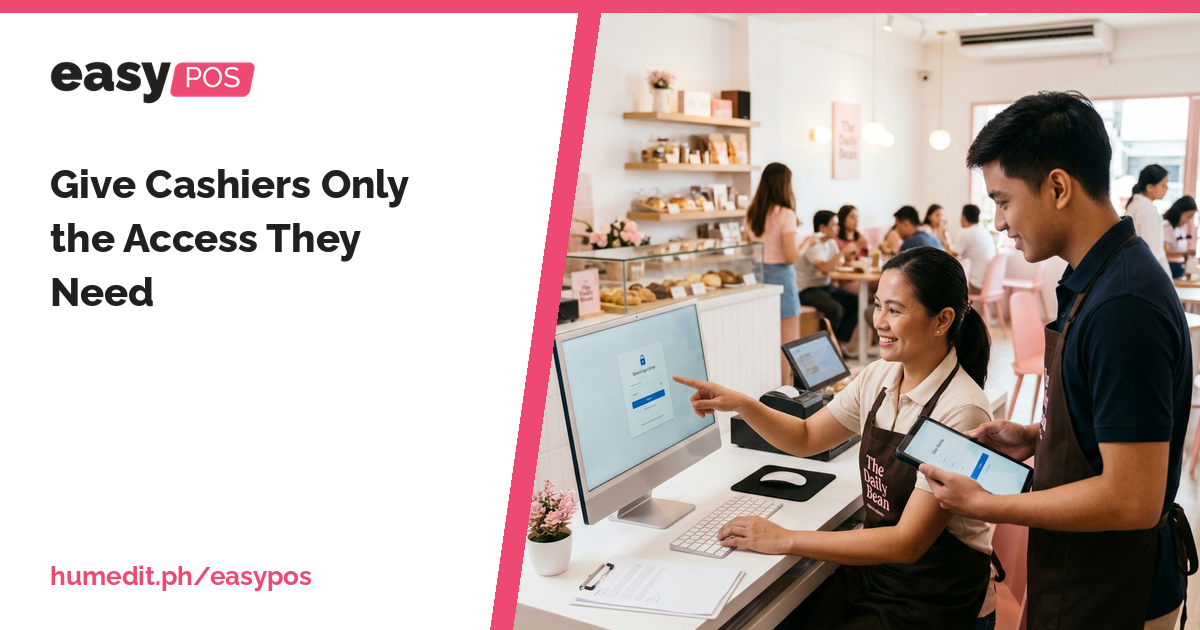
Not everyone needs to see everything. Per-user rights, an Audit Trail and locked records protect your business and your staff. [...]
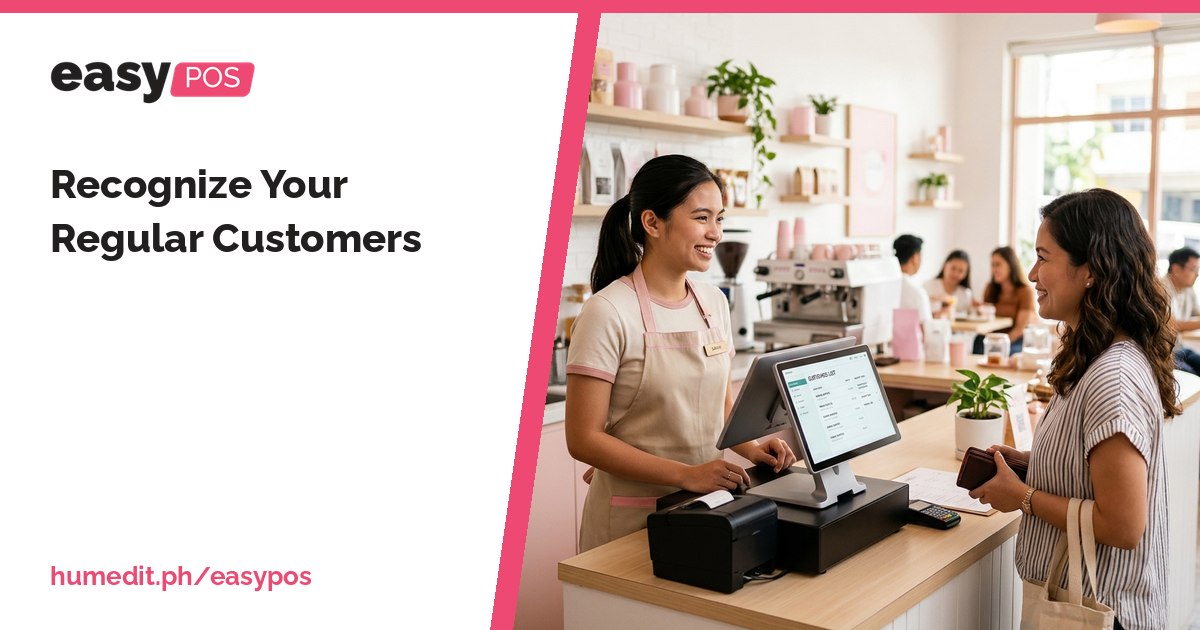
Your best customers return again and again. A customer list and sales history help you know them and serve them well. [...]
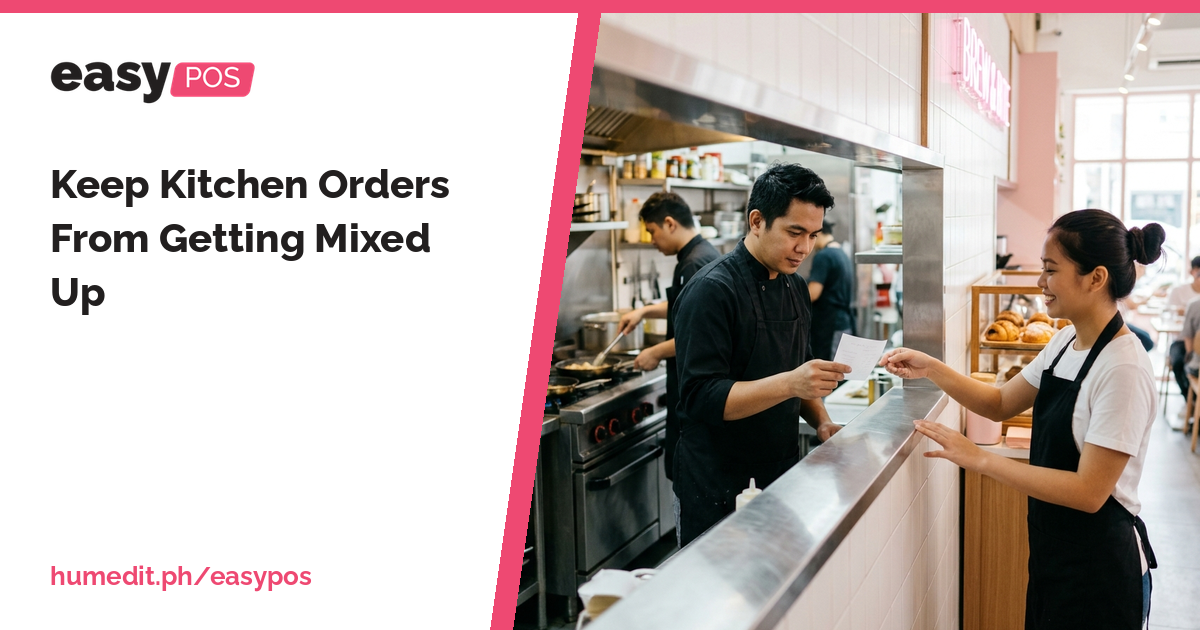
Shouted orders and scribbled notes lead to wrong dishes. A printed order slip gives the kitchen a clear, written instruction. [...]
 AI Chat