


Cash, Cards and E-Wallets: Keep Payments Straight
When payment types are mixed up at closing, the till never balances. Record how each sale was paid, including returns. [...]
Read More... from Cash, Cards and E-Wallets: Keep Payments Straight


2026/11/04
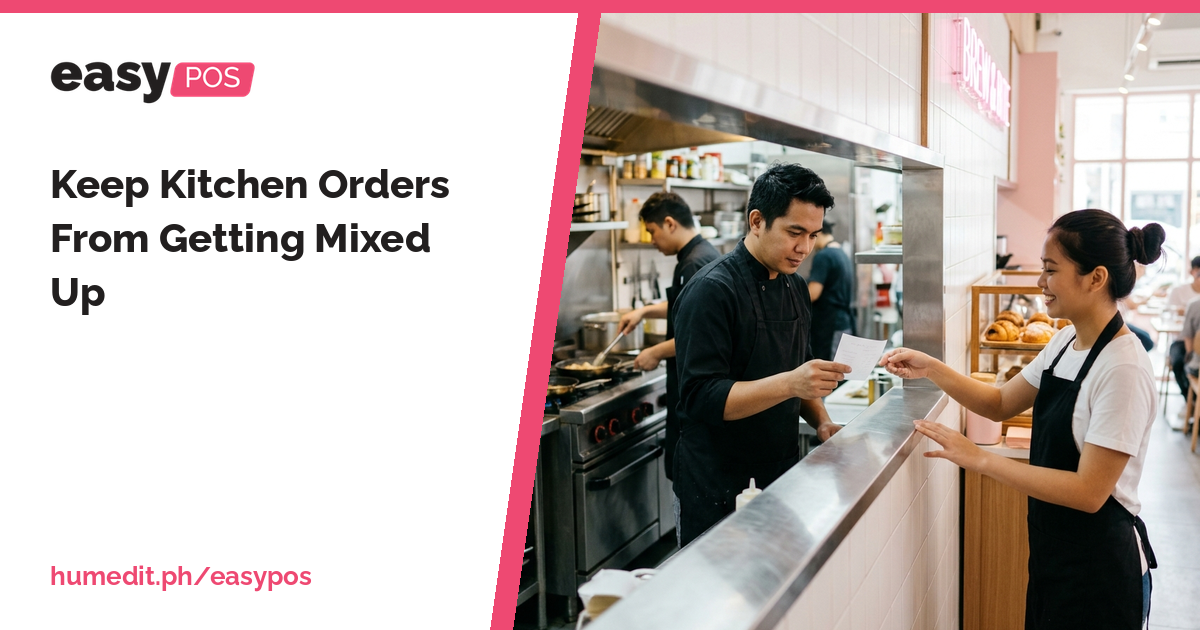
Shouted orders and scribbled notes lead to wrong dishes. A printed order slip gives the kitchen a clear, written instruction.
In a busy food business, the cashier takes the order and the kitchen prepares it. The weak point is the handover between them. A verbal order, a note on scrap paper or a shout across the room can be misheard, and the customer receives the wrong dish or waits longer than necessary.
Mistakes happen when the kitchen relies on memory. During rush hour, several orders arrive in quick succession, and a detail such as “no onions” is easily lost. Handwritten notes may be unclear, and when something goes wrong, nobody can say whether the order was taken or prepared incorrectly.
There is also the matter of charges. If a service charge applies, adding it by hand at the counter invites errors and disagreements at payment.
easyPOS connects taking the order with preparing it:
The order is entered once, and both the kitchen and the sale record come from that single entry.
With a printed slip, the kitchen has something to read, check and keep next to the dish. Questions are settled by looking at the slip. Cashiers spend less time repeating orders, and the kitchen is less dependent on one person who happens to remember everything.
Imagine a small eatery at lunchtime. A cashier calls out orders to the kitchen while taking payment from the next customer. Two similar orders are prepared with the details swapped, and one customer is unhappy.
If the cashier enters each order on the touch screen and an order slip prints in the kitchen, each cook has a written instruction. The dish matches the slip, and if a mistake does occur, the slip shows what was actually ordered. This is a hypothetical example, but it shows how a written slip replaces a spoken message.
A clear handover does not slow the kitchen down. It prevents the delays caused by remaking dishes.
A demo can show how an order is entered and how the slip is produced. For printer setup and the layout of your kitchen slip, ask our Sales team.
Does the kitchen receive a printed copy of the order? Yes. easyPOS prints an order slip for the kitchen.
Can I add a service charge? Yes. easyPOS supports a service charge on the sale.
Is there a touch interface? Yes. POS Touch is a touch screen interface for quick selling.
Want to see it in action? Message us for a free demo at humedit.ph/easypos, or contact Sales: +63 917 628 0355 / hiisales@humedit.ph.
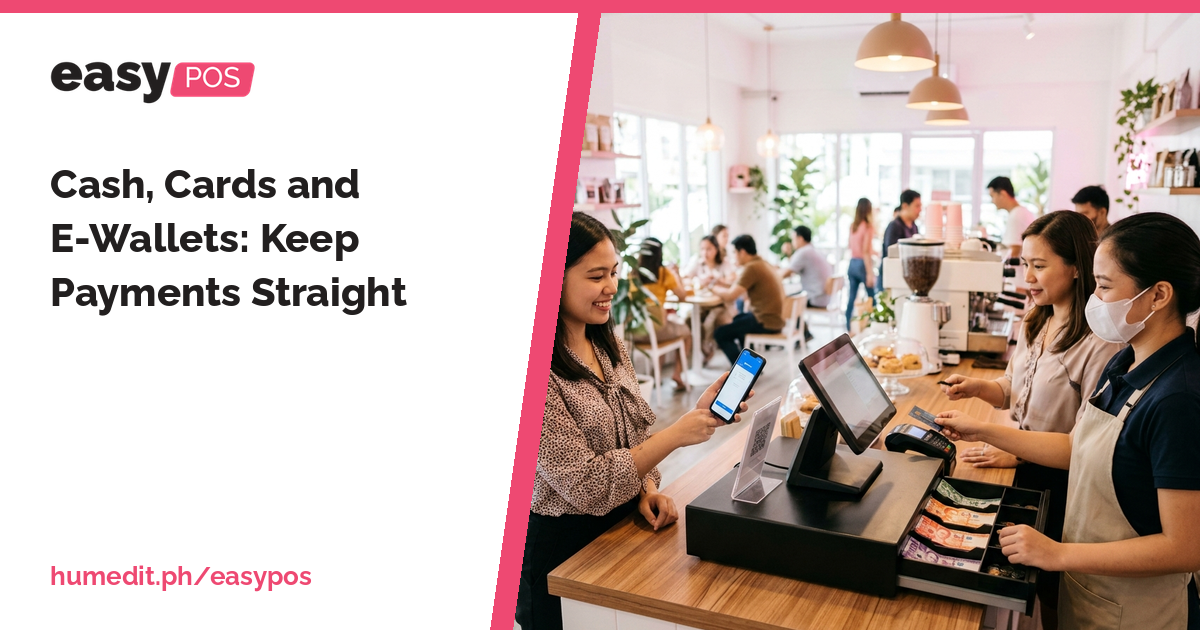
When payment types are mixed up at closing, the till never balances. Record how each sale was paid, including returns. [...]
Read More... from Cash, Cards and E-Wallets: Keep Payments Straight

If you cannot tell what sold today without adding slips, you are managing in the dark. See every sale and every item clearly. [...]
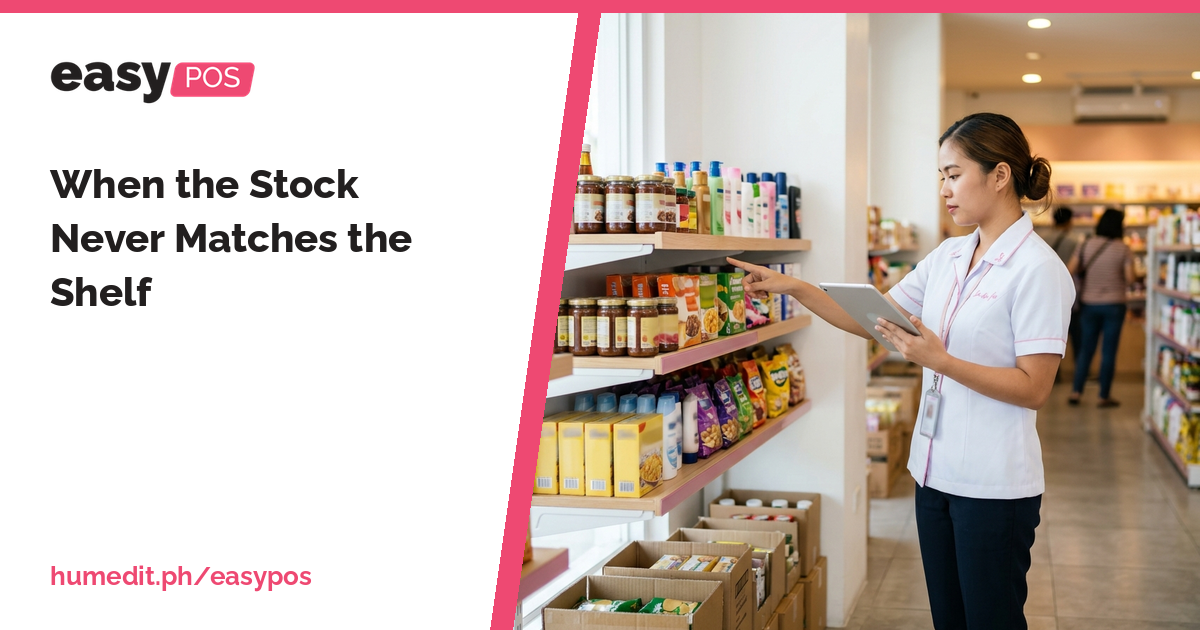
Missing items and wrong counts usually come from unrecorded movements. Stock In, Stock Out and Stock Count keep your records honest. [...]
 AI Chat