


Running a Restaurant, Not Just a Store
Retail and dine-in are different businesses. easyPOS serves the counter, and easyRestaurant supports dine-in operations alongside it. [...]


2026/11/05
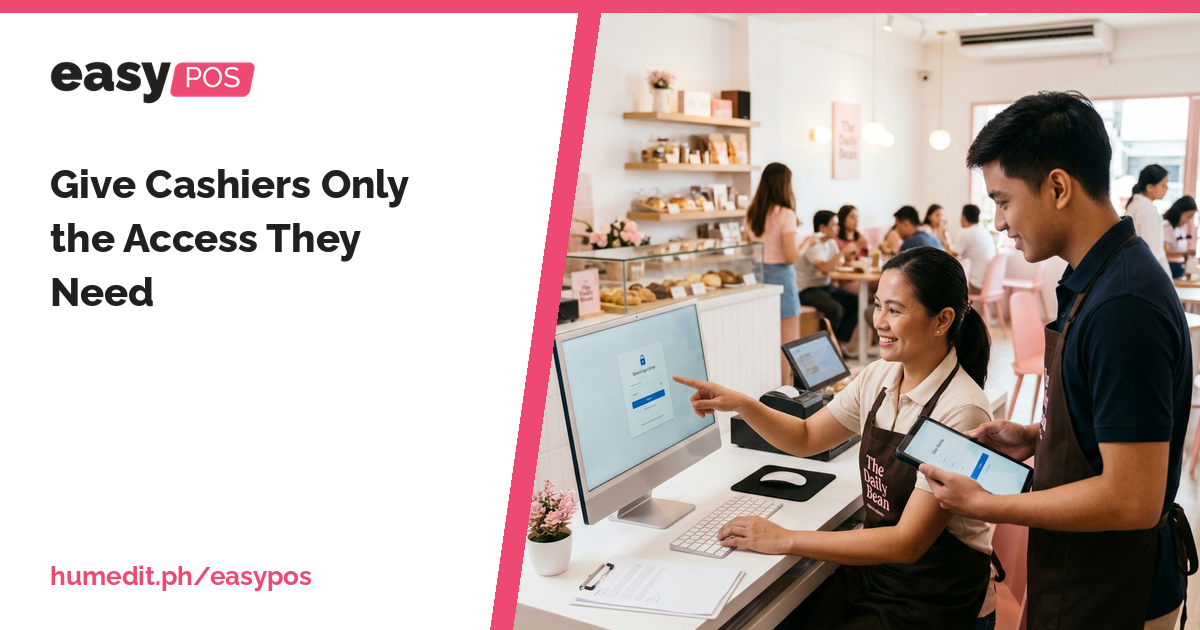
Not everyone needs to see everything. Per-user rights, an Audit Trail and locked records protect your business and your staff.
In a small business, trust is essential. But trust works better with sensible limits. A new cashier does not need to see every report, change prices, or edit past transactions. Giving everyone full access makes mistakes more likely and makes it harder to find the cause when something goes wrong.
When all staff use the same login, or when every user can do everything, the system cannot tell who did what. A wrong entry, a changed record or a missing sale becomes a question without an answer. This is uncomfortable for the owner and unfair for honest staff, who may be suspected because nothing proves otherwise.
Past records are another concern. If transactions can be edited freely after the fact, the numbers lose their value as evidence.
easyPOS gives you controls to match access to responsibility:
Each user signs in with their own account, which makes the Audit Trail meaningful.
With rights set per user, the owner can delegate the counter without giving away everything. Managers can review reports, and cashiers can focus on selling. When a question arises, the Audit Trail provides facts to start from, and locked records give confidence that the numbers did not move after they were reviewed.
Imagine a shop where three cashiers share one login. One day the day’s total does not match the cash, and each cashier says it was someone else. The owner cannot tell who made the sale in question, and the discussion becomes tense.
If every cashier has an account with only the rights they need, and the Audit Trail records actions, the owner can check the entries instead of relying on opinions. Once the day is reviewed and locked, no one can quietly change it. This is a hypothetical example, but it shows how limits and records protect everyone.
Access control is not about suspicion. It is about making sure the system reflects who is responsible for what.
A demo shows how rights are set for different users and how the Audit Trail looks. Ask our Sales team about the best setup for your staff.
Can different users have different rights? Yes. easyPOS supports per-user rights.
Can I see who did what? Yes. The Audit Trail records actions.
Can I stop old records from being changed? Yes. Records can be locked.
Want to see it in action? Message us for a free demo at humedit.ph/easypos, or contact Sales: +63 917 628 0355 / hiisales@humedit.ph.

Retail and dine-in are different businesses. easyPOS serves the counter, and easyRestaurant supports dine-in operations alongside it. [...]
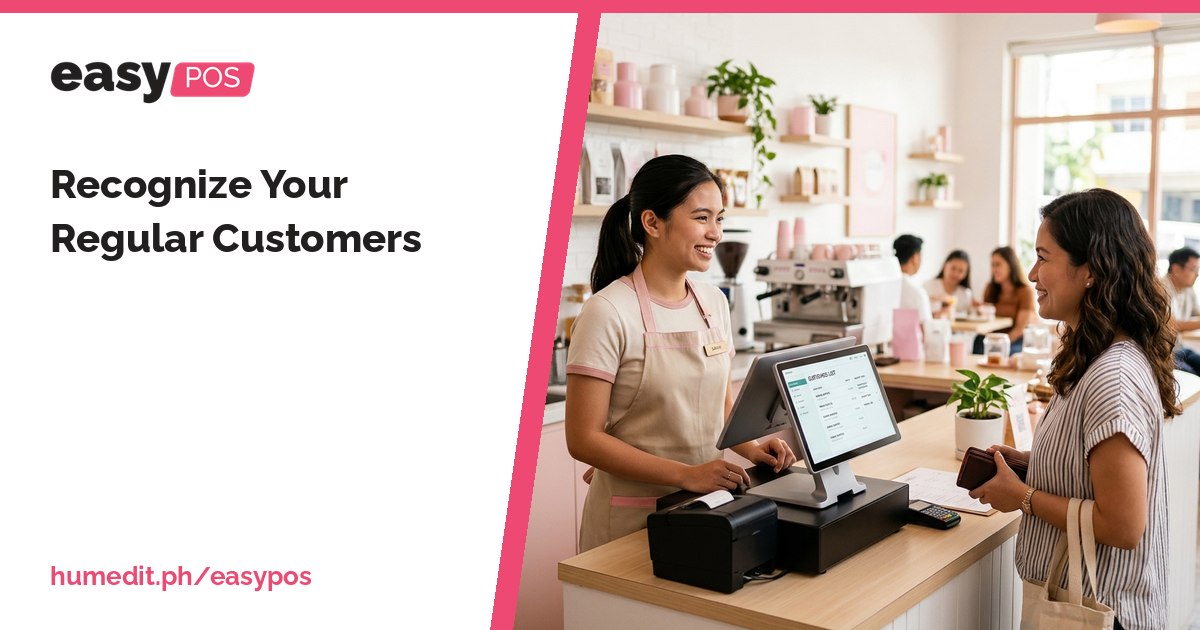
Your best customers return again and again. A customer list and sales history help you know them and serve them well. [...]

Shouted orders and scribbled notes lead to wrong dishes. A printed order slip gives the kitchen a clear, written instruction. [...]
 AI Chat