


Knowing Who Changed a Record, and When
When a number changes after payroll, the first question is who did it. Lock finalized records, limit access by user and keep an audit trail. [...]


2026/11/09
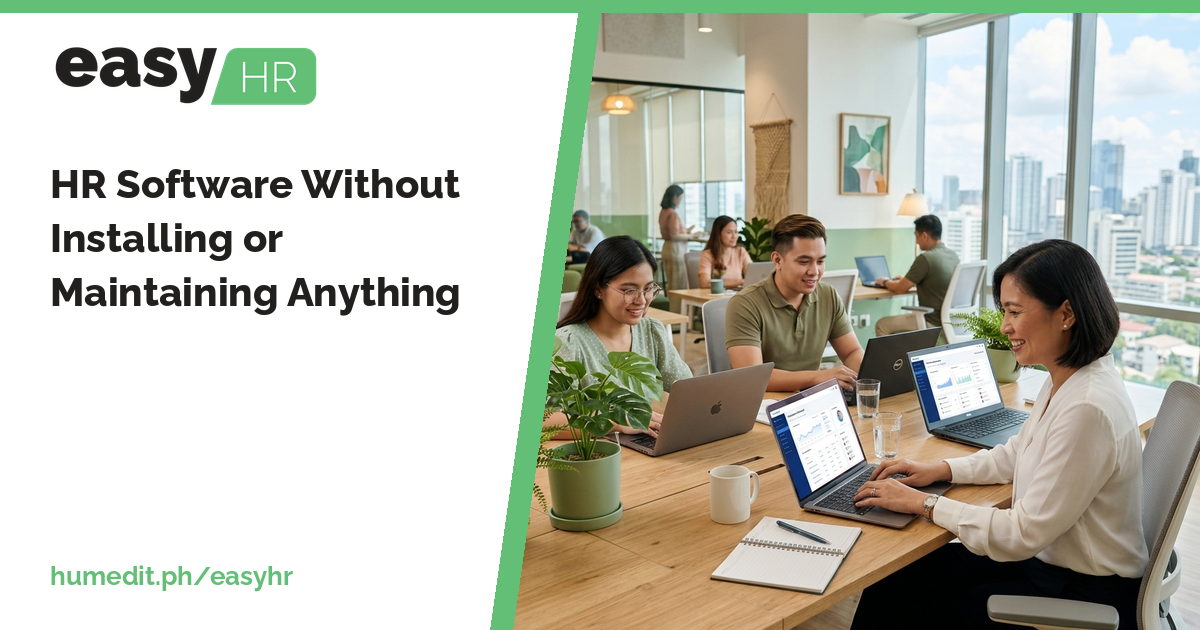
Servers, installers and update days are a burden for small HR teams. A cloud-based system lets you simply open a browser and work.
Many companies want better HR and payroll tools but hesitate because of what comes with them: a server to buy, software to install on each computer, a person to look after updates and backups. For a small team, that overhead can outweigh the benefit.
Installed software needs attention. Someone must keep the machine running, apply updates, and make sure everyone uses the same version. When a rate table or form changes, an outdated installation can produce the wrong output. If that person is away or leaves, the system is at risk.
easyHR is cloud-based, which removes this work:
Which features each user sees may depend on settings and user rights, set by your company.
When nobody has to maintain the software, HR time goes to HR work: reviewing attendance, checking payroll, answering employees. IT time is not needed for routine upkeep, and a change of staff does not put the system at risk.
Imagine a growing company with an installed payroll program on one office computer. Only one person can run it, and she must be at that desk. When she goes on leave, payroll waits. When a new version arrives, she installs it, and the file formats no longer match the last one.
With a cloud-based system, her colleague can open the same system from a browser and continue. Nobody installs an update, and the version is always current. The team can concentrate on payroll itself.
If the answers depend on one person or one machine, that is a risk worth reducing.
There is nothing to install. Your team signs in from a browser, and a demo is the quickest way to see how your own attendance, payroll and reports would look.
Do I need my own server? No. easyHR is cloud-based.
Who handles updates? Updates are not your work. You always use the latest version.
Are attendance, payroll and reports separate products? No. They are in one system.
Want to see it in action? Message us for a free demo at humedit.ph/easyhr, or contact Sales: +63 917 628 0355 / hiisales@humedit.ph.
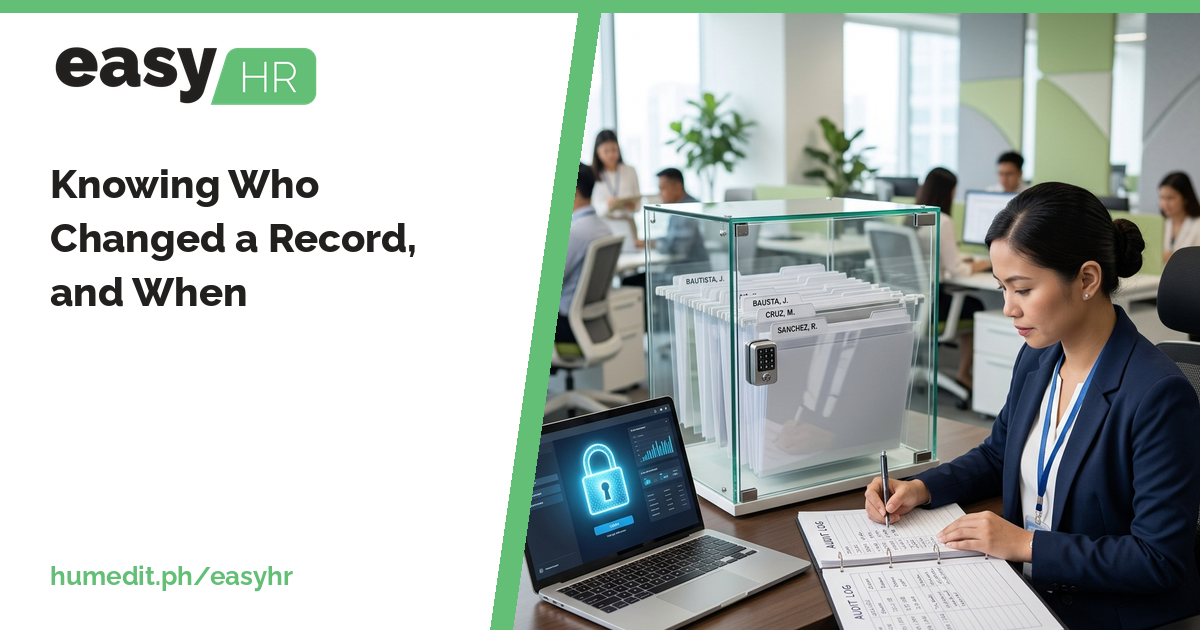
When a number changes after payroll, the first question is who did it. Lock finalized records, limit access by user and keep an audit trail. [...]
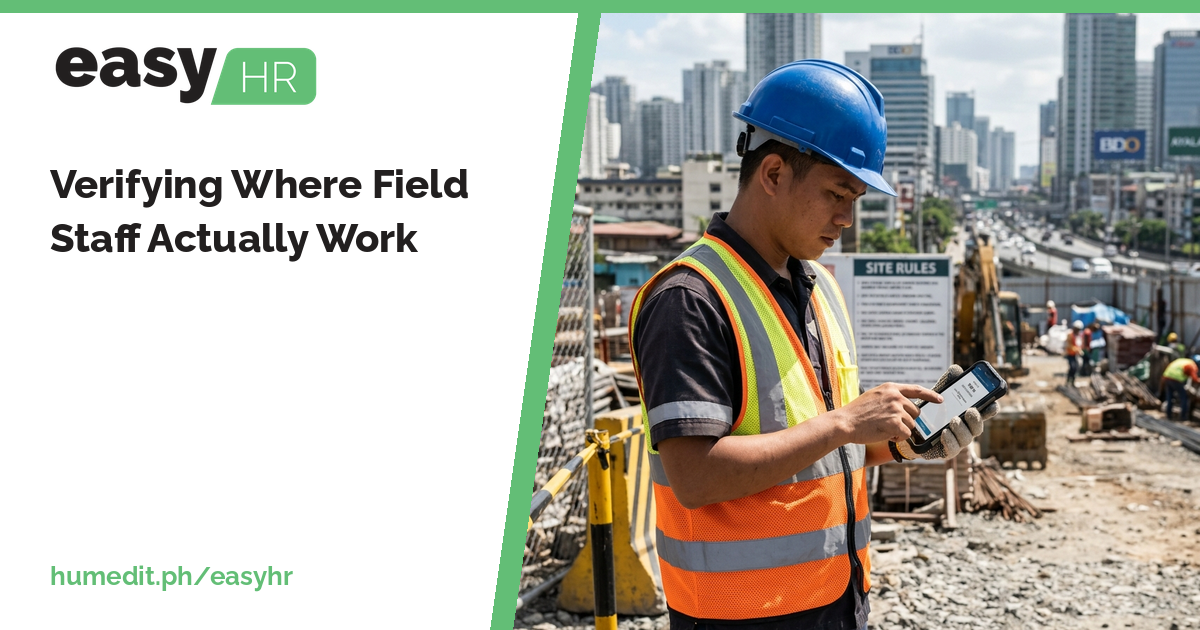
Sales, service and delivery teams spend their days away from the office. Official Business records and geolocation help you see where logs were made. [...]
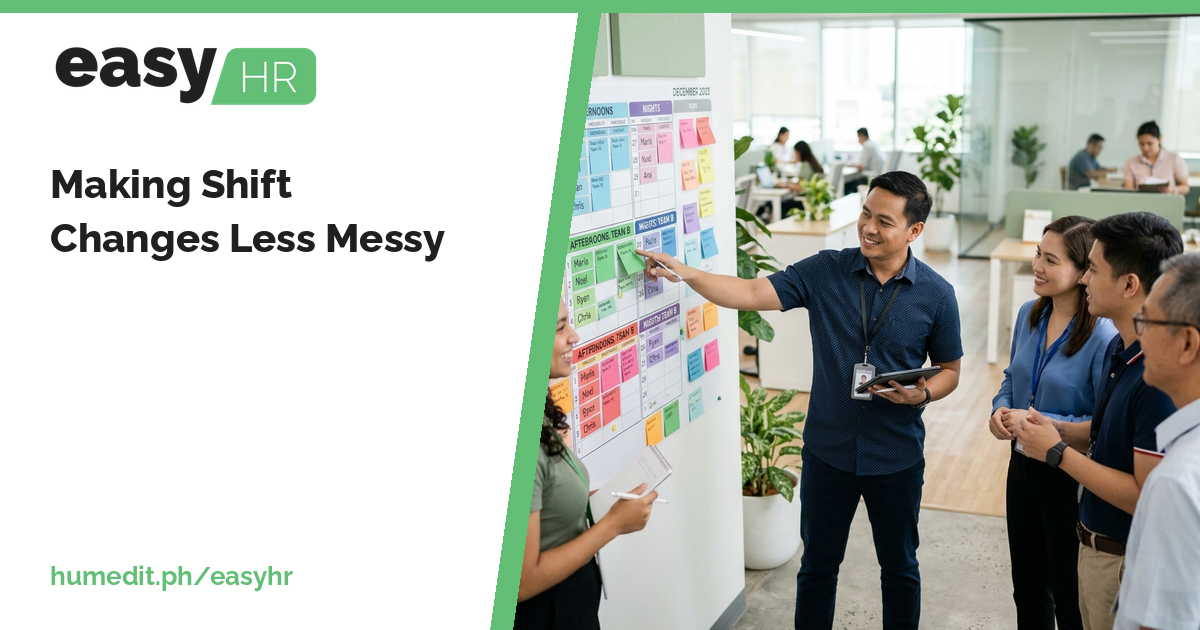
When employees swap or change shifts informally, attendance and pay suffer. Record shifts and change requests so the DTR counts them correctly. [...]
 AI Chat