


Verifying Where Field Staff Actually Work
Sales, service and delivery teams spend their days away from the office. Official Business records and geolocation help you see where logs were made. [...]



2026/11/06
When employees swap or change shifts informally, attendance and pay suffer. Record shifts and change requests so the DTR counts them correctly.
In many workplaces the schedule changes during the week. Someone swaps with a colleague, another moves to an earlier start, a third covers a late shift. If none of this is recorded, the attendance system sees only people who appear late or absent.
Attendance is computed against a schedule. If the schedule on record is not the one the employee actually worked, the result is wrong: a person who worked a different shift is marked late, or an absent mark appears for someone who was simply somewhere else on the roster. HR then has to correct these by hand, one at a time.
easyHR keeps shift information together with attendance:
What each user sees or can do, including rostering, may depend on settings and user rights.
Because the request and the DTR are connected, there is no need to remember to adjust the record later. The approval is the adjustment. HR spends less time explaining marks that were never real problems.
Imagine a team where two employees agree to swap shifts for a week. They tell their supervisor in passing, and nothing is recorded. At cutoff the DTR shows one of them as late every day and the other as having left early, and HR spends an afternoon working out what happened.
If the swap is filed as a Change Shift request and approved, the DTR is computed against the new shifts. There are no false marks to explain, and payroll is based on the attendance that really took place.
easyHR is cloud-based, with nothing to install. Employees and approvers use it from a browser, and the company always works on the latest version.
Do approved shift changes affect attendance? Yes. They are reflected in the DTR computation.
Is rostering required? No. Rostering is optional.
Can everyone file or approve shift changes? That depends on settings and user rights.
Want to see it in action? Message us for a free demo at humedit.ph/easyhr, or contact Sales: +63 917 628 0355 / hiisales@humedit.ph.

Sales, service and delivery teams spend their days away from the office. Official Business records and geolocation help you see where logs were made. [...]

December and January bring the 13th month pay and employee tax forms all at once. Build them from finalized payrolls instead of from scratch. [...]
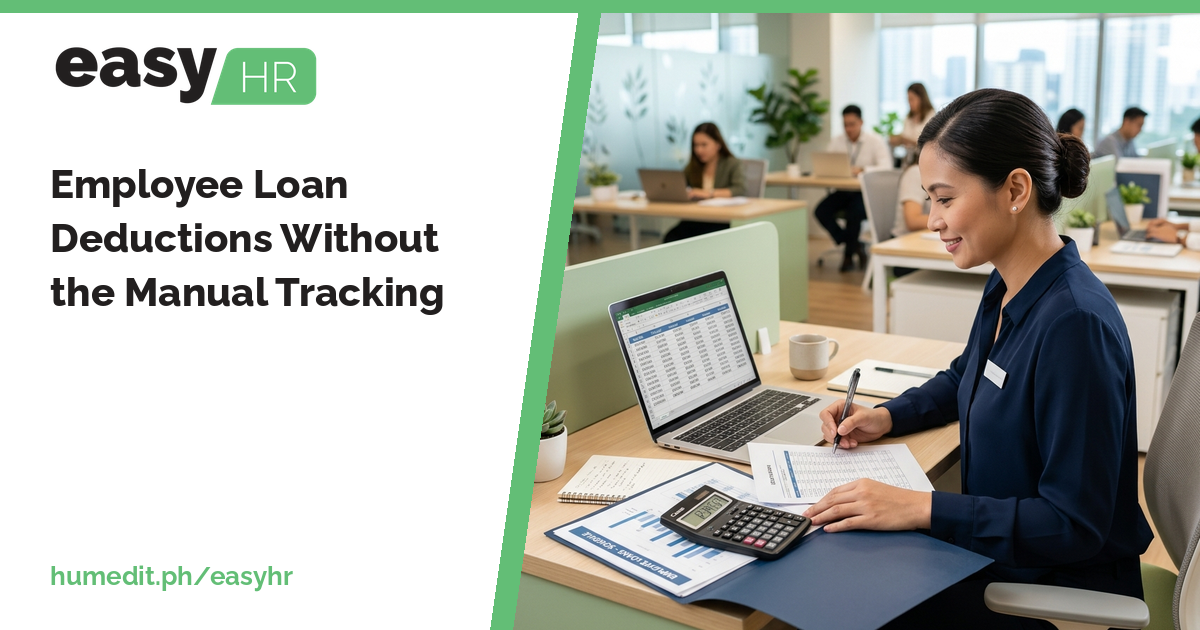
Tracking who owes what, and how much to deduct each cutoff, is easy to get wrong. Register a loan once and let payroll deduct it until it is paid. [...]
Read More... from Employee Loan Deductions Without the Manual Tracking
 AI Chat