2026/11/09
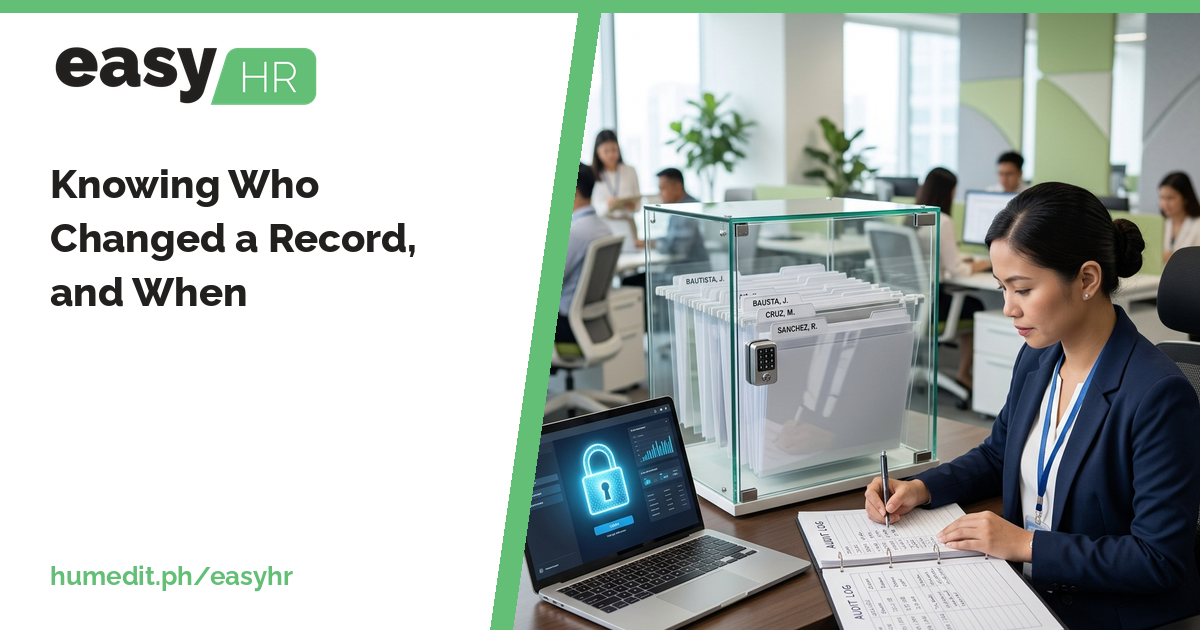
When a number changes after payroll, the first question is who did it. Lock finalized records, limit access by user and keep an audit trail.
Few moments in HR are more uncomfortable than discovering that a figure is different from last week and nobody knows why. Pay, attendance and leave records are sensitive, and trust in them depends on knowing they cannot change quietly.
Why unexplained changes happen
In shared files, anyone with access can edit anything, and there is no record of what the earlier value was. In systems without clear rights, a person may be able to change data they should only view. Without a history, the investigation depends on who remembers what.
Locks, rights and an audit trail
easyHR protects records in three ways:
- Lock finalized DTR and payroll. Once a DTR or payroll is finalized, it can be locked so that it is not changed by accident. A change then requires a deliberate step.
- Per-user rights in Users. Each user is given the rights that suit their job, so people can only do what they are meant to do.
- Audit Trail. The system records who did what and when, so there is a history to look at when a question arises.
Together these make changes visible and deliberate rather than quiet and accidental.
Confidence in the numbers
When records are locked, rights are set and actions are recorded, everyone can rely on the data. Employees can trust their pay, managers can trust their reports and auditors, internal or external, have a trail to follow.
An illustrative scenario
Imagine that a payroll officer notices an employee’s overtime hours differ from the figure she saw yesterday. In a shared spreadsheet, she can only ask around. Three people had the file open, and nobody admits to anything.
With the DTR locked after finalization, a change needed a deliberate unlock. The Audit Trail shows which user did what and when, so she can ask the right person a direct question. If the change was legitimate, the reason is explained; if not, it can be corrected. Either way, it takes minutes, not days.
Habits for trustworthy records
- Lock after finalizing. Make locking part of the end of each cutoff.
- Give the minimum rights. Add or widen rights only when a role needs it.
- Review user accounts. Remove or update access when people change roles or leave.
- Check the Audit Trail when something looks off. Do not rely on memory.
- Document why changes were made. A short note helps when the trail is reviewed months later.
Easy to start
easyHR is cloud-based, so there is nothing to install or maintain. Set up users and rights from a browser and always work on the latest version.
Frequently asked questions
Can finalized records be protected? Yes. Finalized DTR and payroll can be locked.
Can different users have different access? Yes. Rights are set per user in Users.
Does the system keep a history of changes? Yes. The Audit Trail records who did what and when.
Want to see it in action? Message us for a free demo at humedit.ph/easyhr, or contact Sales: +63 917 628 0355 / hiisales@humedit.ph.